Unlock advanced capabilities with GPT Image 2.6 image generator in PicWish, bringing native GIF creation, transparent canvas editing, and seamless asset locking into one unified workflow.
According to OpenAI, the GPT Image 2.6 AI image generator generates images 50% faster than before. This will help you turn complex prompts into high-resolution, commercial-grade visual assets instantly, and speed up batch e-commerce designs, ad creative testing, and content production, keep your photo editing workflows running at top speed.
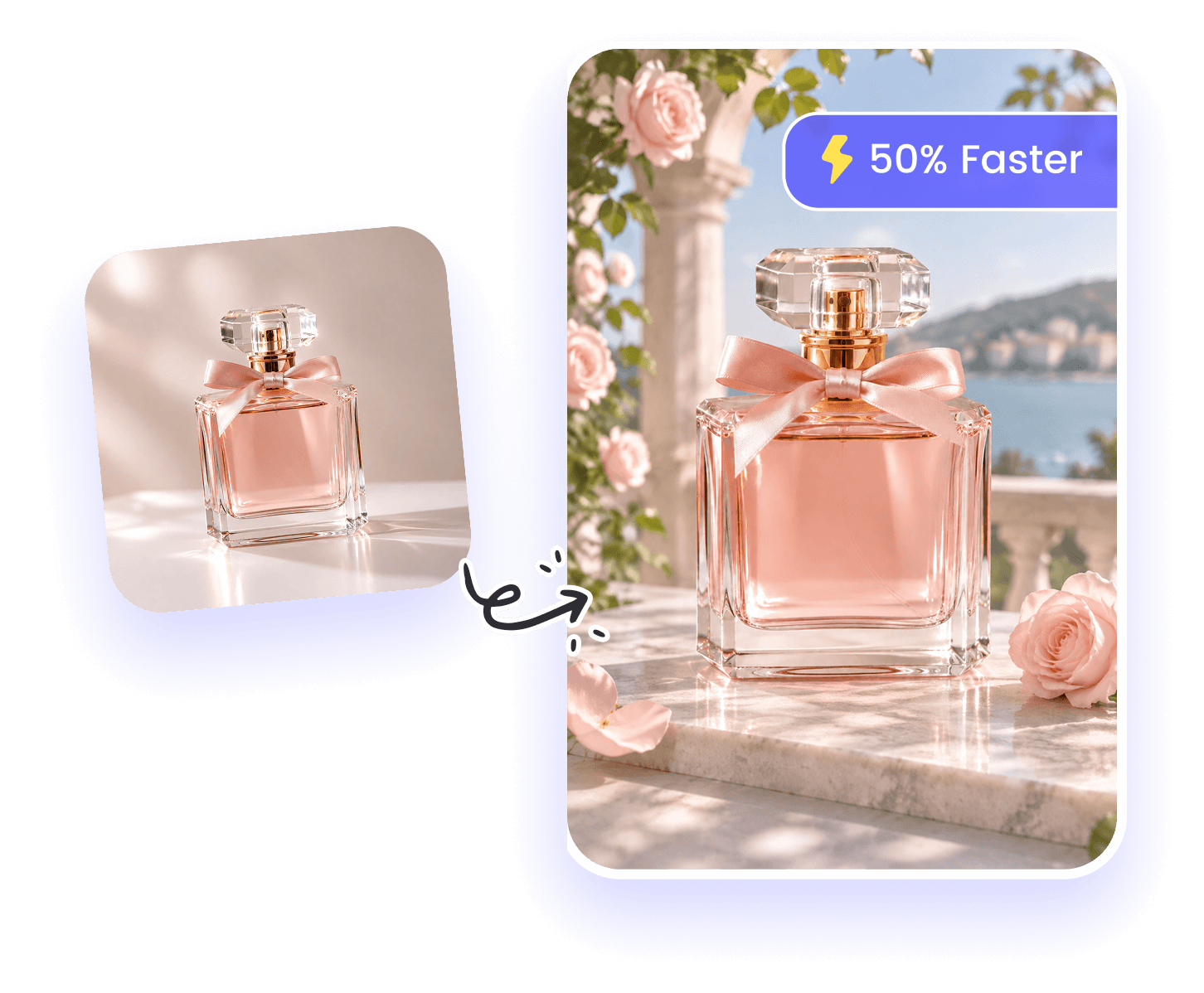
Seamlessly replace backgrounds, swap clothing, or change product colors while keeping model faces, product shapes, and core visual details perfectly preserved. Whether placing a product in a brand-new setting while retaining its original packaging or making multi-turn refinements, enjoy flawless consistency across every edit.
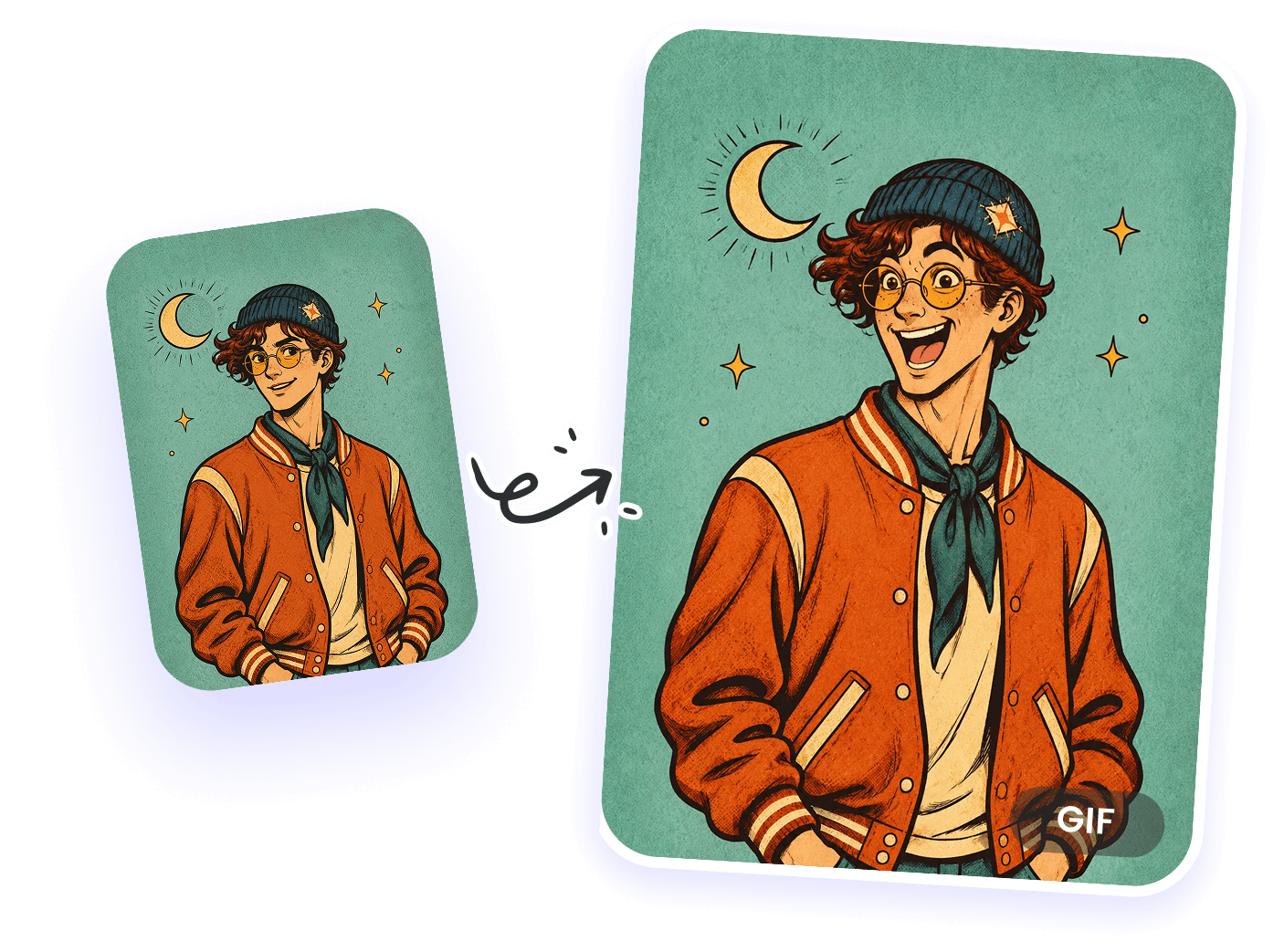
Create animated GIFs and export designs as SVG files with GPT Image 2.6. Easily turn characters, brand mascots, or product visuals into looping animations for social media. For UI design, logos, responsive web assets, and sharp print layouts, SVG exports provide clean, scalable code vector graphics that stay razor-sharp at any resolution.
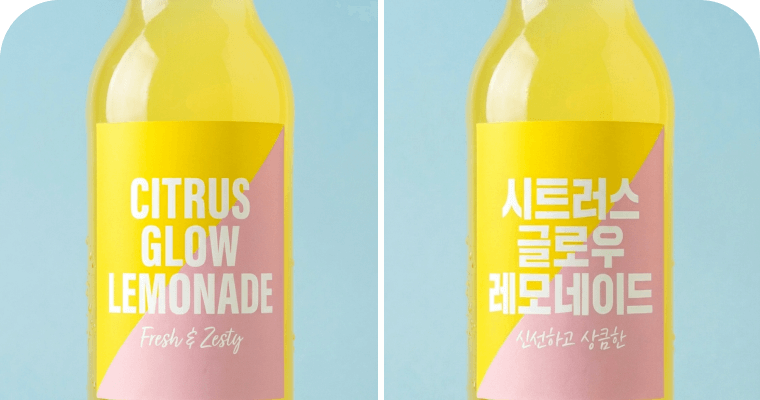
Accurately translate text within product images, ensuring pixel-perfect replacement for instant global sales
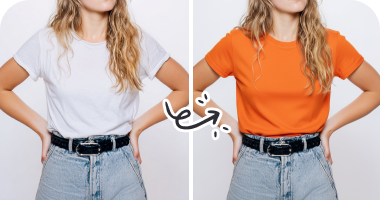
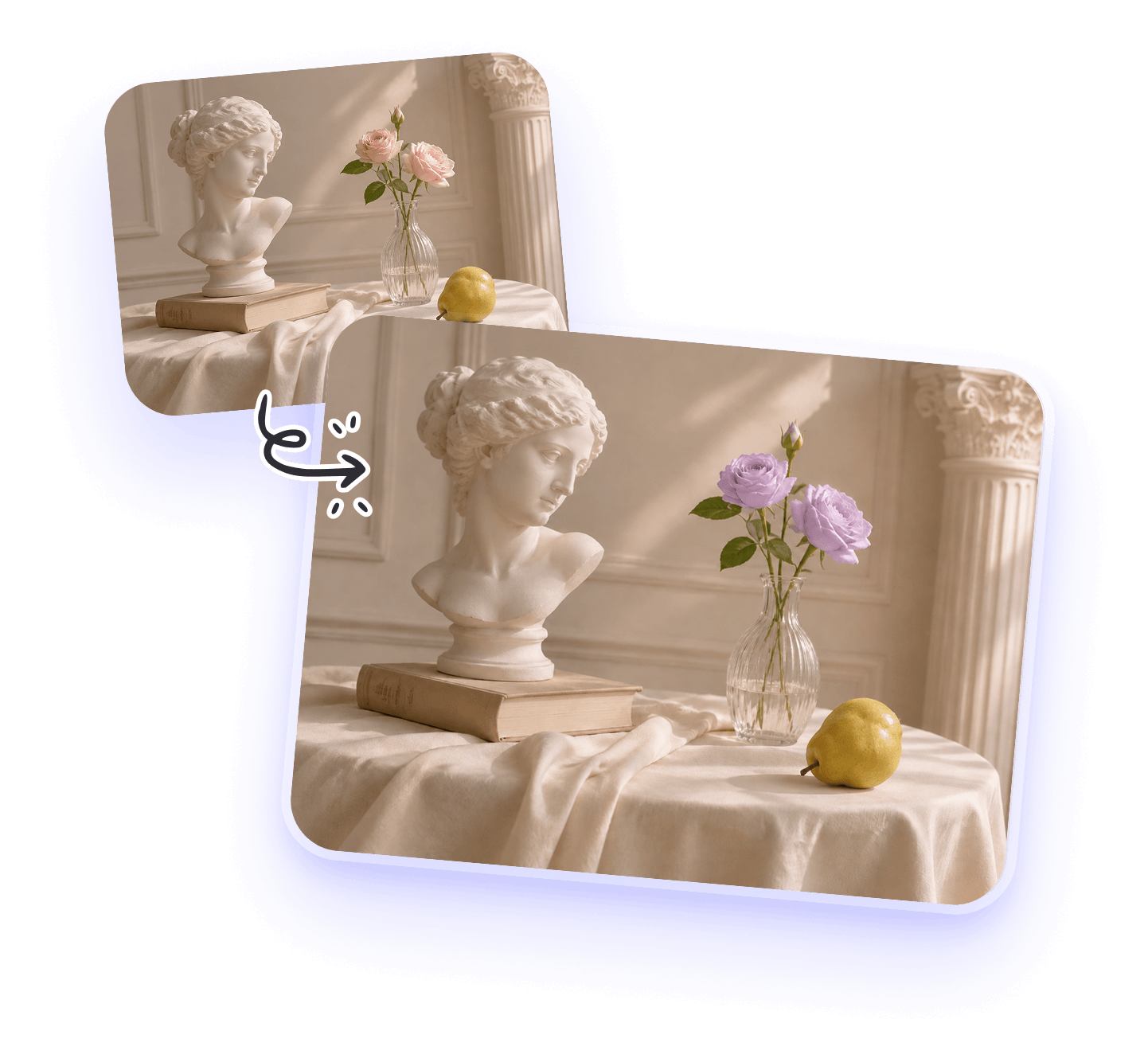
Change clothing colors while keeping the garment’s shape, the person’s appearance, and the surrounding scene consistent.
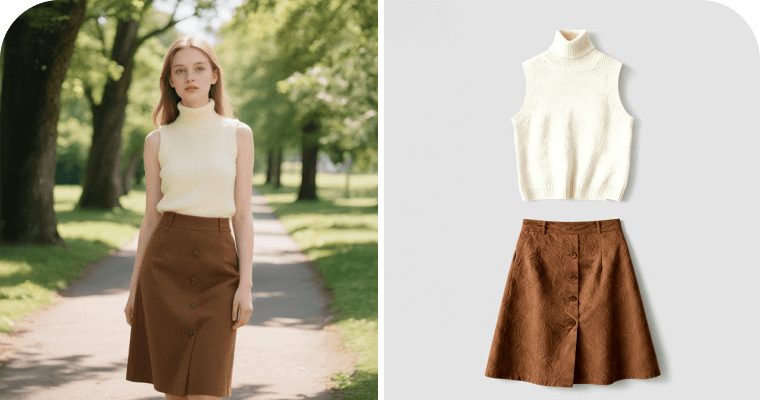
ChatGPT Image 2.6 photo editor extracts outfits from photos, generating flat-lay fashion images ready for e-commerce
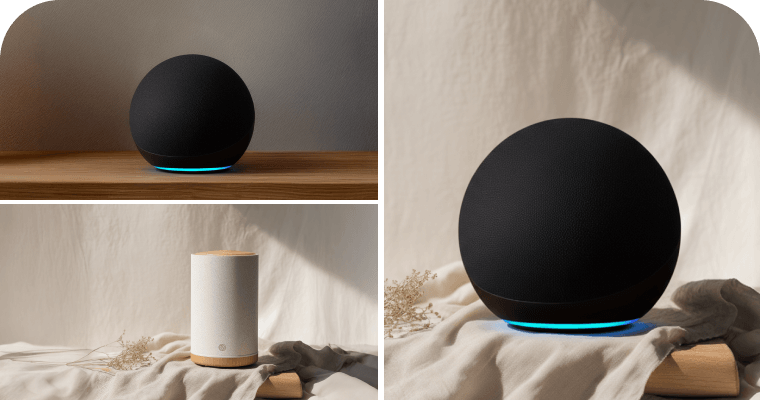
Seamlessly replace products into new backgrounds using the ChatGPT Image 2.6 generator, creating stunning assets for marketing campaigns
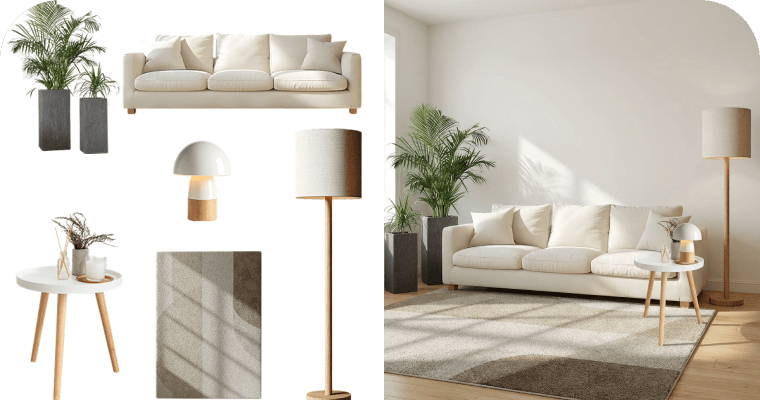
Seamlessly fuse multiple products into ultra-realistic scenes with consistent lighting
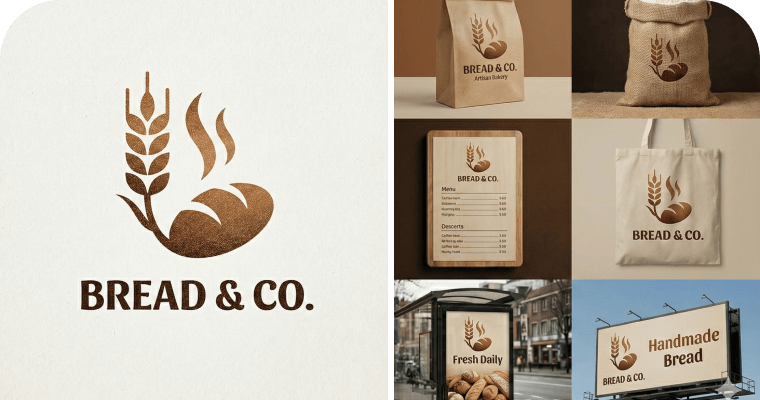
Generate a comprehensive image suite from a single input, guaranteeing brand consistency
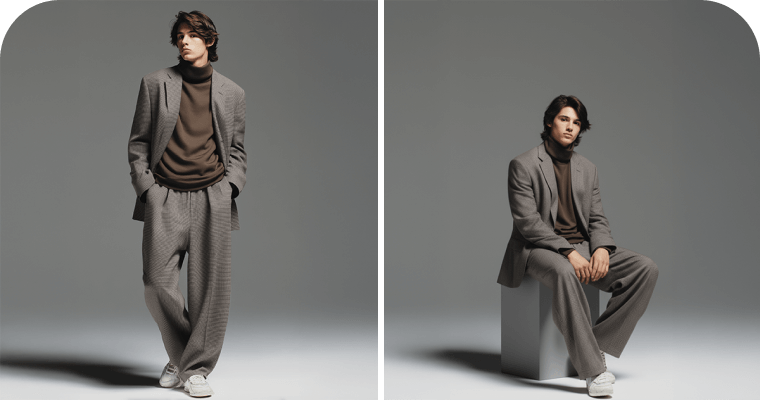
Use ChatGPT Image 2.6 to place characters or pets into new poses, preserving their original looks and identities
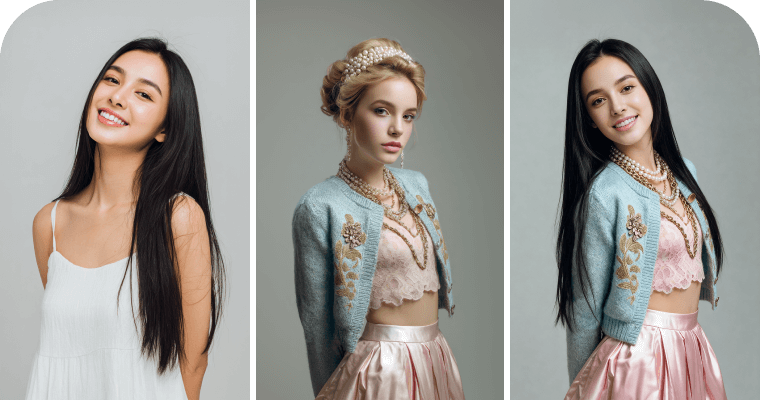
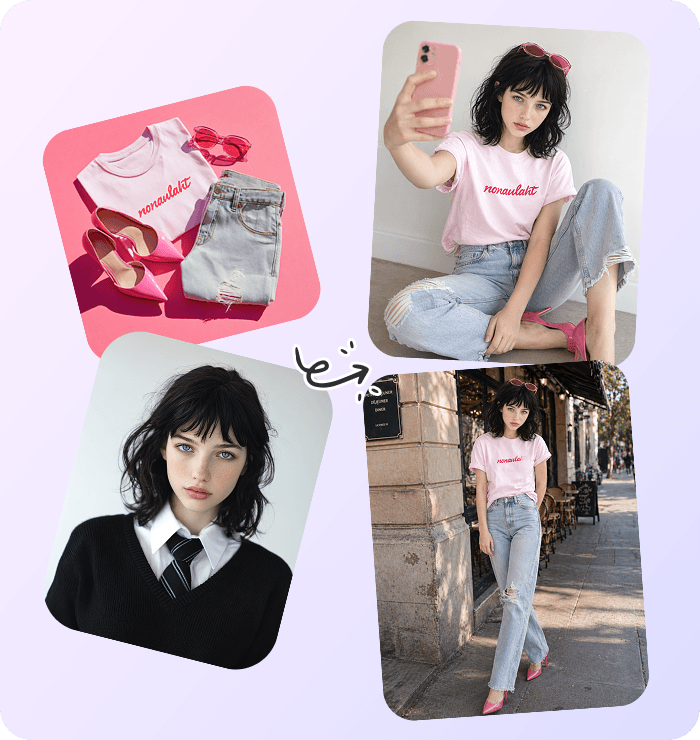
ChatGPT Image 2.6 transfers clothes and postures onto a different person. Brand new visuals without a photoshoot
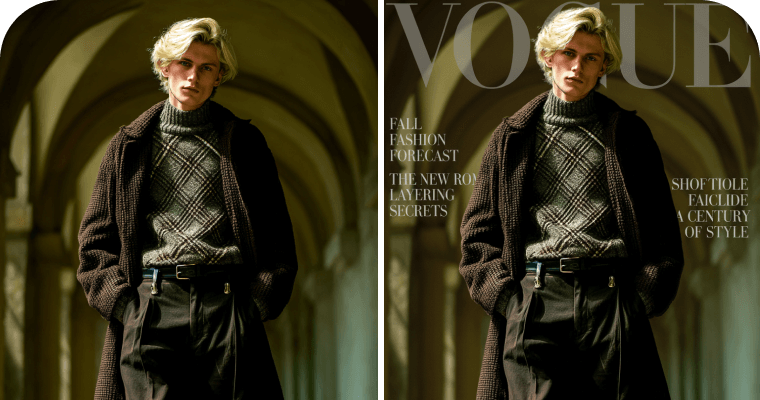
Turn portraits into magazine-style posters with the ChatGPT Image 2.6 generator, adding artistic flair in one click
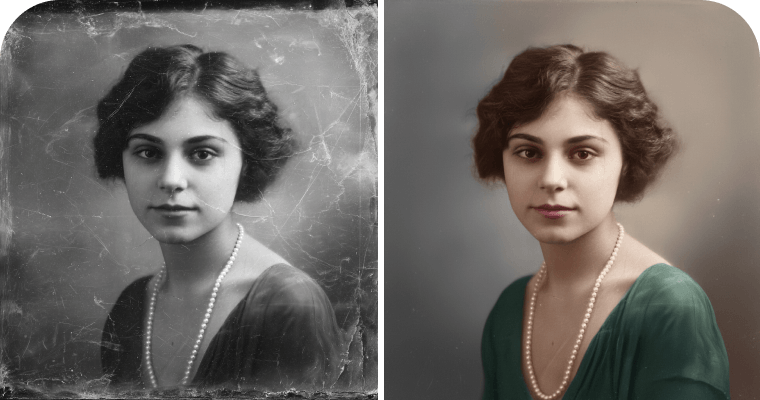
ChatGPT Image 2.6 model instantly repairs damaged photos and colorizes black-and-white memories with stunning quality
Accurately translate text within product images, ensuring pixel-perfect replacement for instant global sales
Change clothing colors while keeping the garment’s shape, the person’s appearance, and the surrounding scene consistent.
ChatGPT Image 2.6 photo editor extracts outfits from photos, generating flat-lay fashion images ready for e-commerce
Seamlessly replace products into new backgrounds using the ChatGPT Image 2.6 generator, creating stunning assets for marketing campaigns
Seamlessly fuse multiple products into ultra-realistic scenes with consistent lighting
Generate a comprehensive image suite from a single input, guaranteeing brand consistency
Use ChatGPT Image 2.6 to place characters or pets into new poses, preserving their original looks and identities
ChatGPT Image 2.6 transfers clothes and postures onto a different person. Brand new visuals without a photoshoot
Turn portraits into magazine-style posters with the ChatGPT Image 2.6 generator, adding artistic flair in one click
ChatGPT Image 2.6 model instantly repairs damaged photos and colorizes black-and-white memories with stunning quality
Compared to GPT Image 2.0 and 2.5, GPT Image 2.6 moves beyond basic generation to deliver production-ready assets for modern branding and e-commerce.
Experience GPT Image 2.6 in PicWish AI photo editor, a high-speed workspace for advanced AI generation, continuous editing, and multi-format exports.

Create listing mockups and product variations while helping preserve key product details and consistent branding.

Create ad banners, campaign posters, and social media graphics faster with improved visual layouts.

Create illustrations, covers, reaction GIFs, and memes to express ideas and share everyday moments.

Export resolution-independent SVG vector graphics and clean UI icons effortlessly.

Create scalability-ready brand mascots, logos, and vector assets for web and print.