
No image? Try one of these
%20--%3e%3csvg%20version='1.1'%20id='图层_1'%20xmlns='http://www.w3.org/2000/svg'%20xmlns:xlink='http://www.w3.org/1999/xlink'%20x='0px'%20y='0px'%20viewBox='0%200%2045.2%2049.7'%20style='enable-background:new%200%200%2045.2%2049.7;'%20xml:space='preserve'%3e%3cstyle%20type='text/css'%3e%20.st0{opacity:0.5;}%20.st1{fill:url(%23SVGID_1_);}%20.st2{fill:none;stroke:%23FFFFFF;stroke-width:2;stroke-linecap:round;stroke-linejoin:round;}%20%3c/style%3e%3cg%20class='st0'%3e%3clinearGradient%20id='SVGID_1_'%20gradientUnits='userSpaceOnUse'%20x1='1.6881'%20y1='17.6675'%20x2='44.0611'%20y2='32.818'%20gradientTransform='matrix(1%200%200%20-1%200%2047.197)'%3e%3cstop%20offset='0'%20style='stop-color:%2352B4FE'/%3e%3cstop%20offset='1'%20style='stop-color:%23574FFF'/%3e%3c/linearGradient%3e%3cpath%20class='st1'%20d='M35.6,10.3l-8.5,3L27,7.7c-0.1-3.6-2.6-6.7-6-7.6c-2.6-0.6-5.3,0.9-6,3.5l-4.4,16.2c-0.5-0.2-1-0.2-1.5-0.1%20l-7.7,2.8c-1.1,0.4-1.6,1.6-1.2,2.6l8.3,23.2c0.4,1.1,1.6,1.6,2.6,1.2l7.7-2.8c1.1-0.4,1.6-1.6,1.2-2.6l-0.1-0.3l3.4,0.9%20c0.4,0.1,0.8,0.1,1.2-0.1l17.3-6.2c0.7-0.3,1.2-0.9,1.3-1.7l2-16.6c0.2-1.3,0-2.7-0.4-4l-0.7-2C42.8,10.8,39,9.1,35.6,10.3%20L35.6,10.3z'/%3e%3cpath%20class='st2'%20d='M33.9,24.3c1.3,3.6-0.6,7.6-4.2,8.9C26,34.6,22,32.7,20.7,29'/%3e%3c/g%3e%3c/svg%3e)
%20--%3e%3csvg%20version='1.1'%20id='图层_1'%20xmlns='http://www.w3.org/2000/svg'%20xmlns:xlink='http://www.w3.org/1999/xlink'%20x='0px'%20y='0px'%20viewBox='0%200%2035.7%2036'%20style='enable-background:new%200%200%2035.7%2036;'%20xml:space='preserve'%3e%3cstyle%20type='text/css'%3e%20.st0{opacity:0.5;}%20.st1{fill:url(%23SVGID_1_);}%20.st2{fill:%23FFFFFF;}%20%3c/style%3e%3cg%20class='st0'%3e%3clinearGradient%20id='SVGID_1_'%20gradientUnits='userSpaceOnUse'%20x1='2.3607'%20y1='14.3731'%20x2='35.2759'%20y2='22.9198'%20gradientTransform='matrix(1%200%200%20-1%200%2036.7355)'%3e%3cstop%20offset='0'%20style='stop-color:%23F7C294'/%3e%3cstop%20offset='0.88'%20style='stop-color:%23EB728C'/%3e%3cstop%20offset='1'%20style='stop-color:%23EA678C'/%3e%3c/linearGradient%3e%3cpath%20class='st1'%20d='M23.9,0.3L5.7,5C1.6,6-0.8,10.2,0.2,14.2l2.3,8.9c0.8,3,3.2,5.1,6.1,5.5c1.4,0.3,2.6,1.4,3,2.8l1,3.8%20c0.1,0.4,0.4,0.7,0.8,0.7c0.1,0,0.3,0,0.4,0c0.3-0.1,0.5-0.2,0.6-0.5l3-5c1.5-2.5,4-4.4,6.8-5.1l5.8-1.5c4.1-1.1,6.5-5.2,5.5-9.3%20l-2.3-8.9C32.1,1.6,27.9-0.8,23.9,0.3L23.9,0.3z'/%3e%3cpath%20class='st2'%20d='M19.6,9.4c0.7-0.2,1.5-0.1,2.1,0.3c0.6,0.4,1.1,1,1.3,1.7s0.1,1.5-0.3,2.1l-3.5,5.9l-5.9-3.5%20c-1.3-0.8-1.8-2.5-1-3.8c0.4-0.6,1-1.1,1.7-1.3c0.7-0.2,1.5-0.1,2.1,0.3c0.3,0.2,0.7,0.2,1,0.1c0.3-0.1,0.6-0.3,0.8-0.6%20C18.2,10,18.8,9.6,19.6,9.4%20M19.2,8.1c-1.1,0.3-2,0.9-2.5,1.9c-1-0.6-2.1-0.7-3.1-0.4s-1.9,0.9-2.5,1.9c-1.2,1.9-0.5,4.5,1.5,5.6%20l6.2,3.6c0.2,0.1,0.5,0.2,0.8,0.1c0.2-0.1,0.5-0.2,0.6-0.5l3.7-6.2c0.6-0.9,0.7-2,0.4-3.1C24,9.9,23.3,9,22.3,8.5%20C21.4,8,20.3,7.8,19.2,8.1L19.2,8.1z'/%3e%3c/g%3e%3c/svg%3e)

Instantly remove stains, scratches, and unwanted reflections while preserving authentic textures and true colors. PicWish delivers studio-grade product photo retouching across all e-commerce categories with no artificial plastic look.

Generic photo editors often blur fine details or create a fake plastic look. PicWish applies material-aware algorithms to boost shine and sharpness while keeping products authentic. Adjust intensity, protect brand logos, and streamline your photo workflow all in one place.
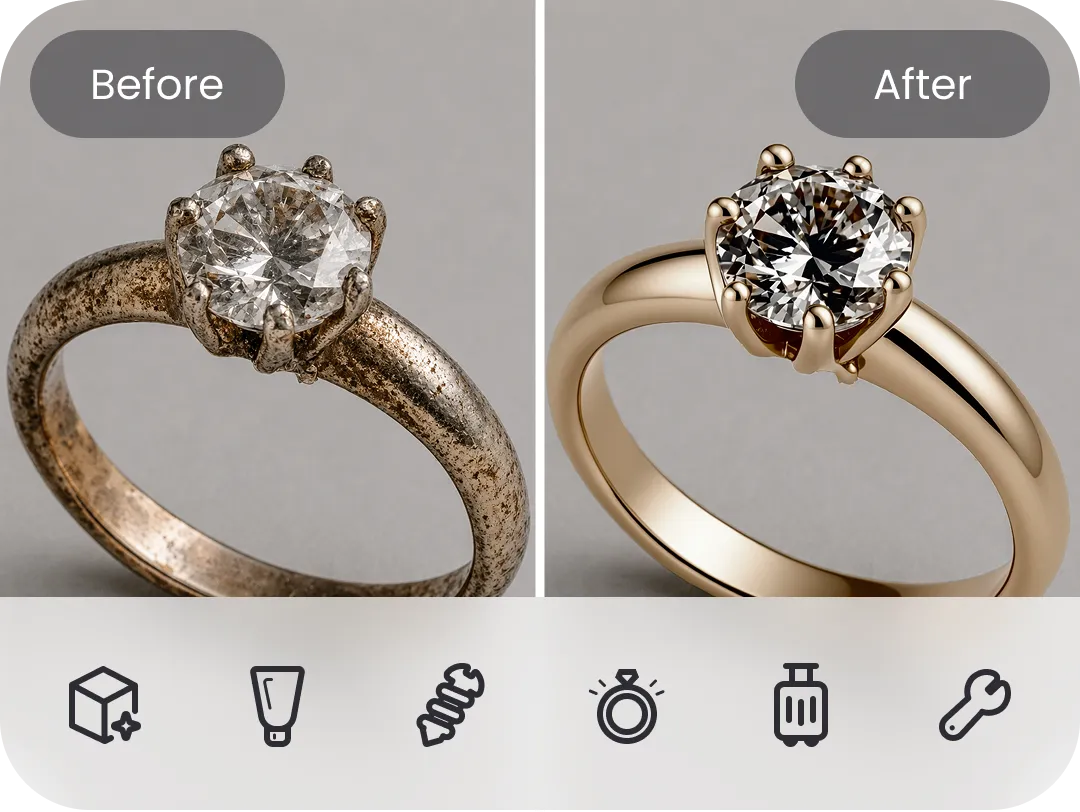
Category-Specific AI Models
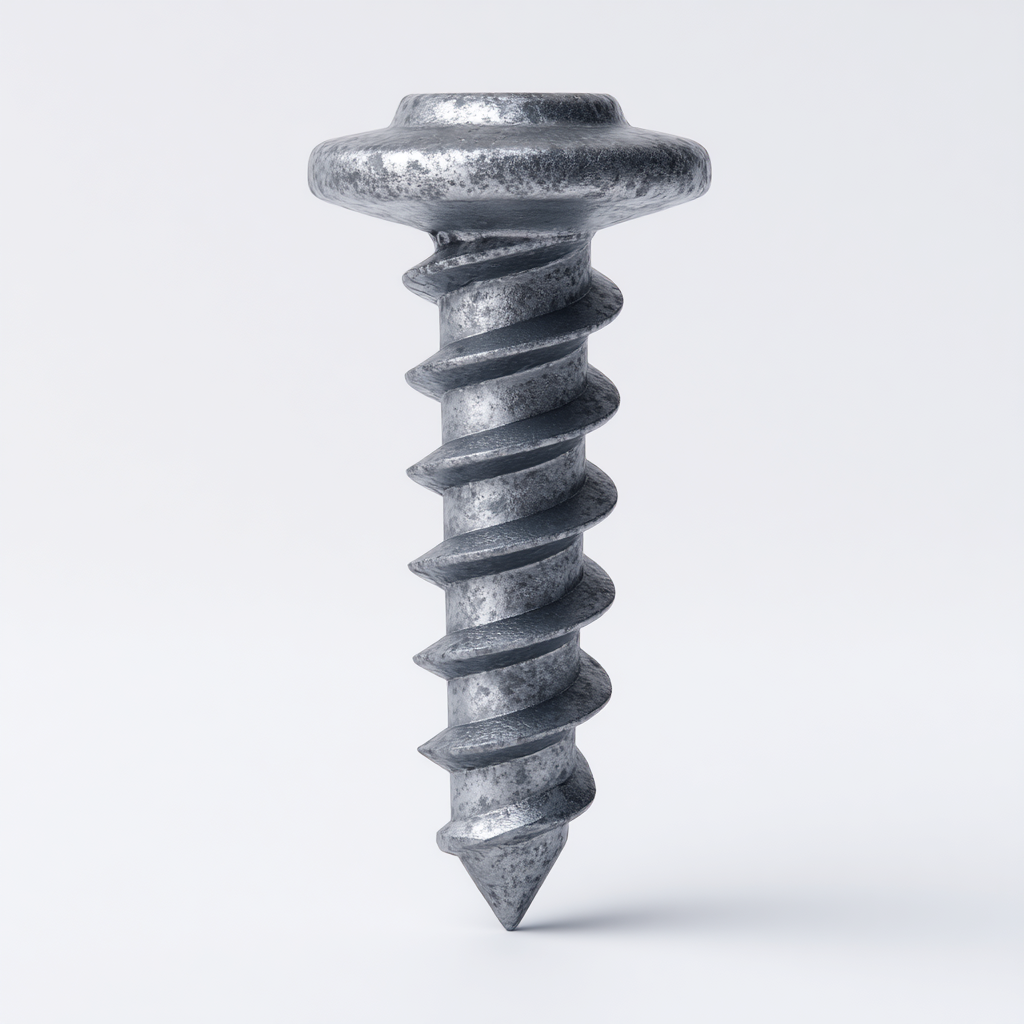
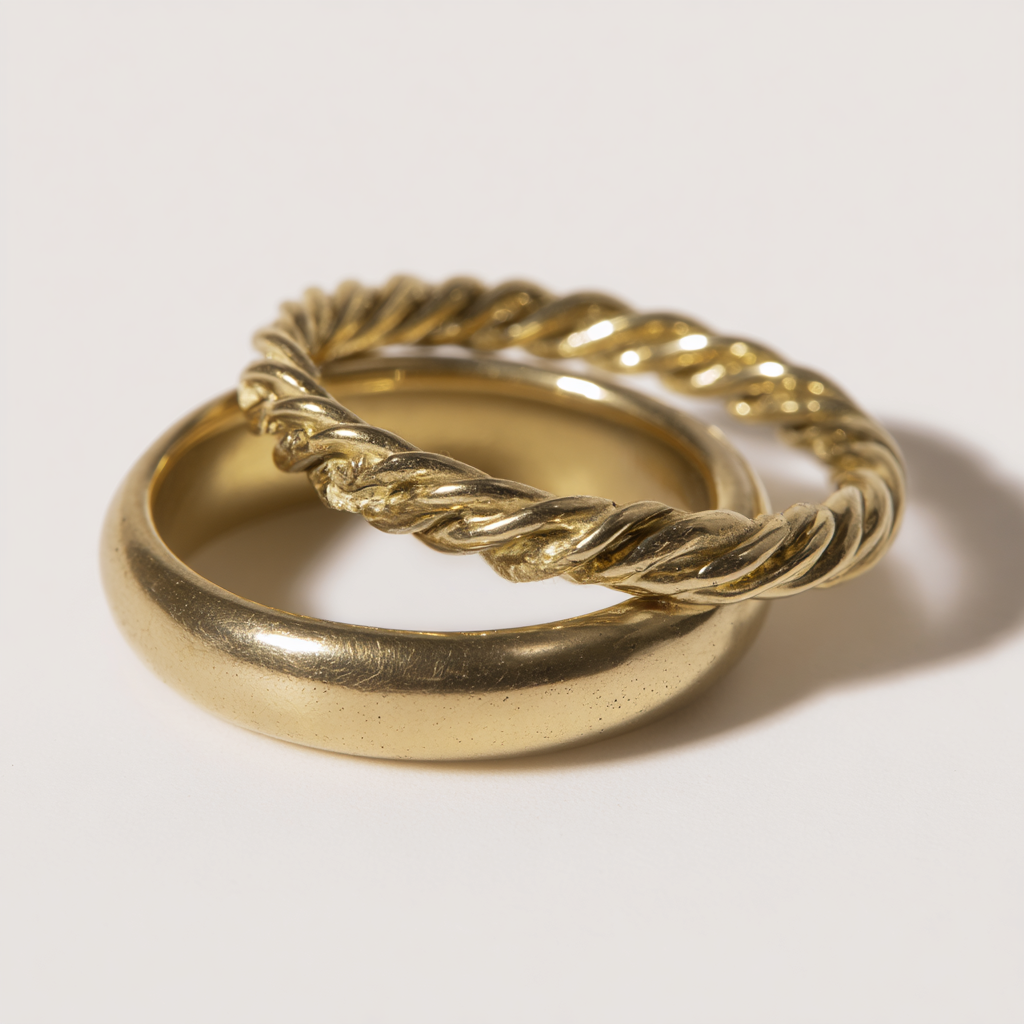
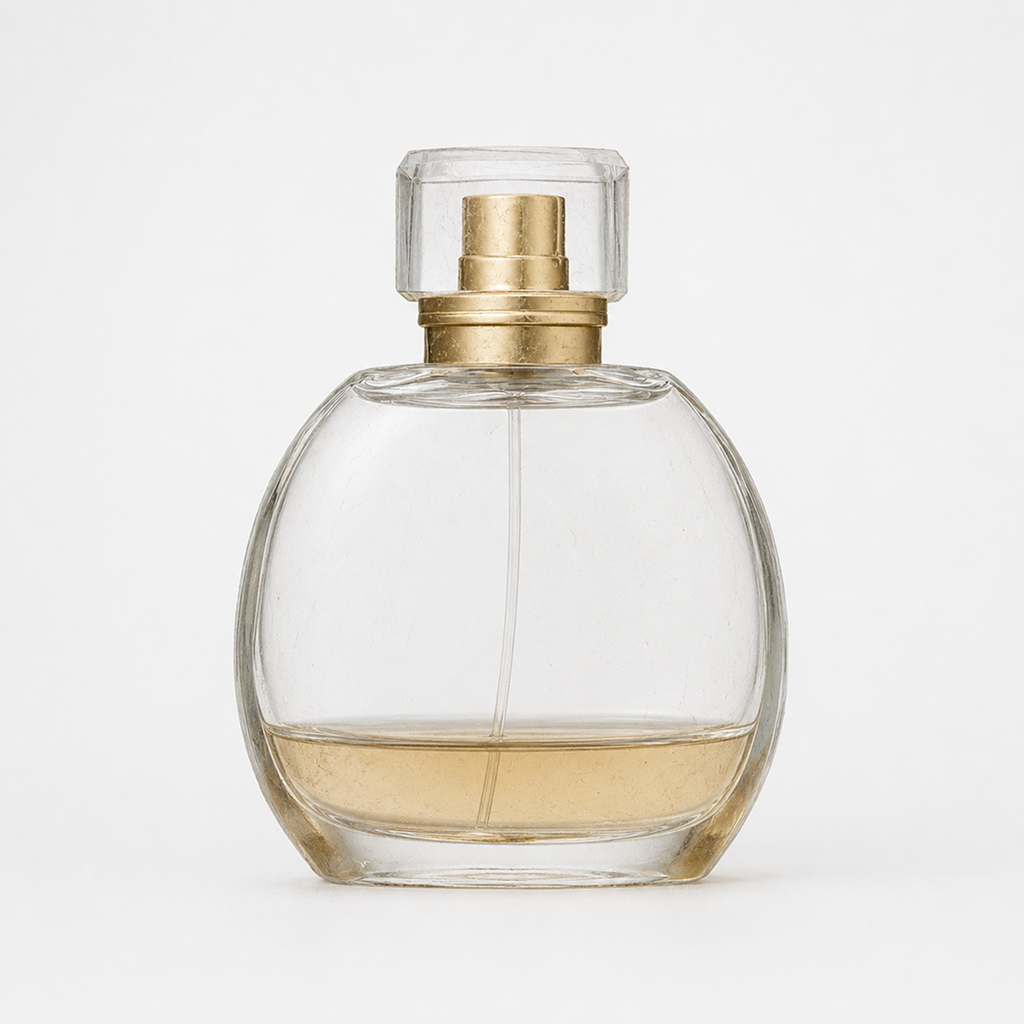
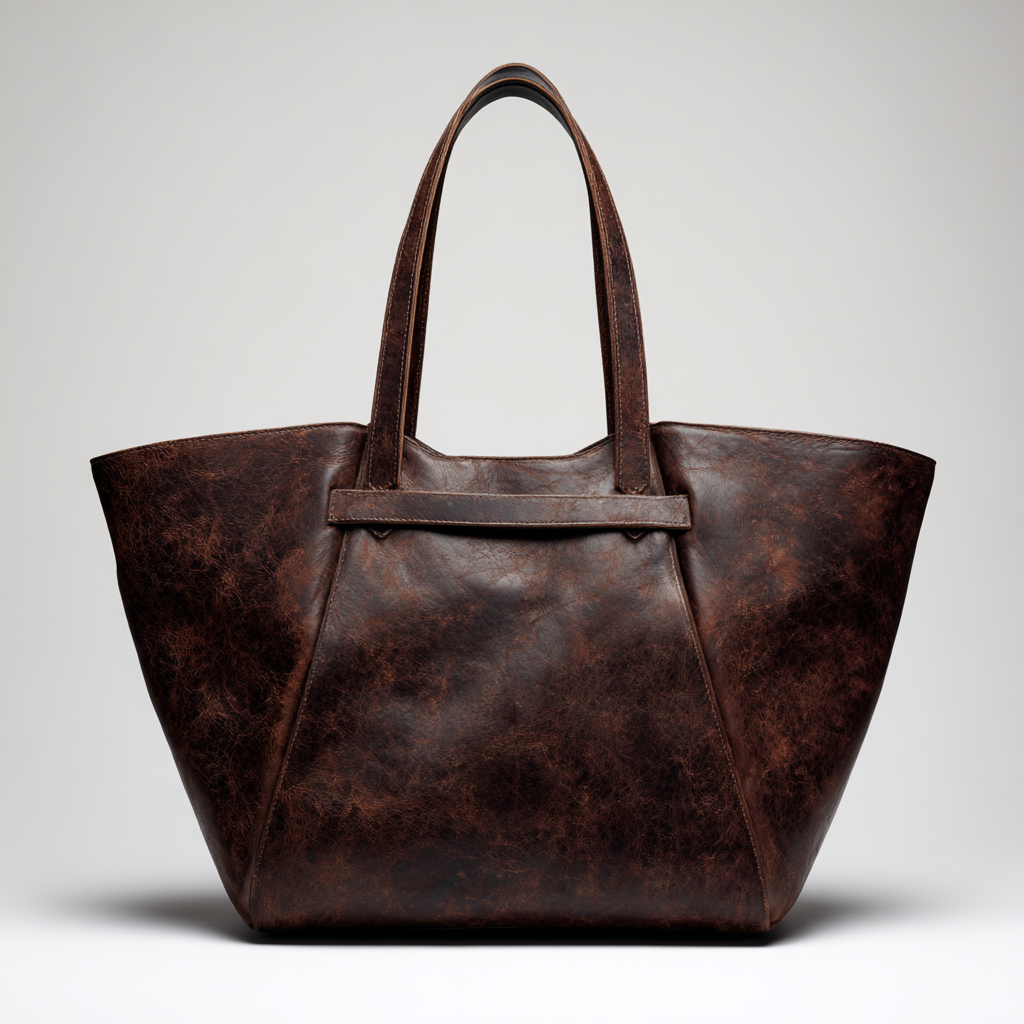
Dedicated modes for jewelry, apparel, hardware, bags, and cosmetics. Brighten gems, remove clothes wrinkles, and keep fine fabric and surface textures crisp.
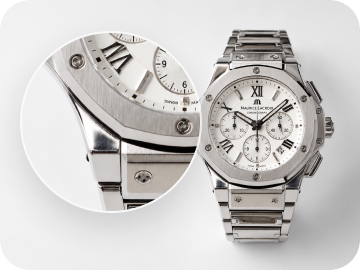
4K High-Resolution Export
Export in full 4K clarity without losing fine edges or material details. Perfect for zoom-in views on Amazon and Shopify, plus offline print marketing.

Batch Retouching Supported
Retouch up to 200 product photos in one go. Upload whole folders, manage files in preview or list mode, and get perfectly matching lighting and true colors across all your listings.

Upload Images
Upload your product images, up to 200 images at a time


Choose Model & Parameters
Select the most suitable retouching model based on the uploaded image, and set parameters such according to your needs

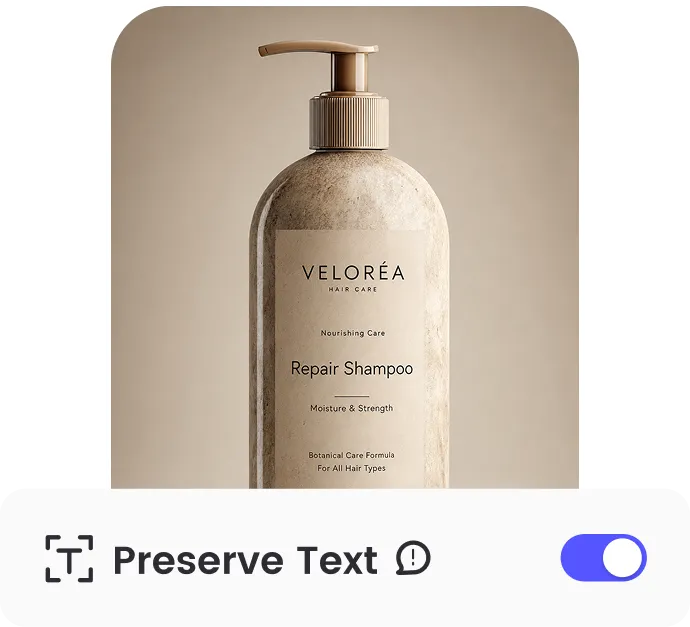
Enable Text Preservation
Activate text protection to keep brand logos, labels, and texts completely intact during retouching.

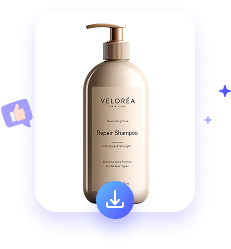
Retouch & Download
After confirming the settings, start retouching, and download the image once AI finishes processing.
Upload Images
Upload your product images, up to 200 images at a time
Choose Model & Parameters
Select the most suitable retouching model based on the uploaded image, and set parameters such according to your needs
Enable Text Preservation
Activate text protection to keep brand logos, labels, and texts completely intact during retouching.
Retouch & Download
After confirming the settings, start retouching, and download the image once AI finishes processing.

Enter prompts to generate product images with AI that are ready to list.
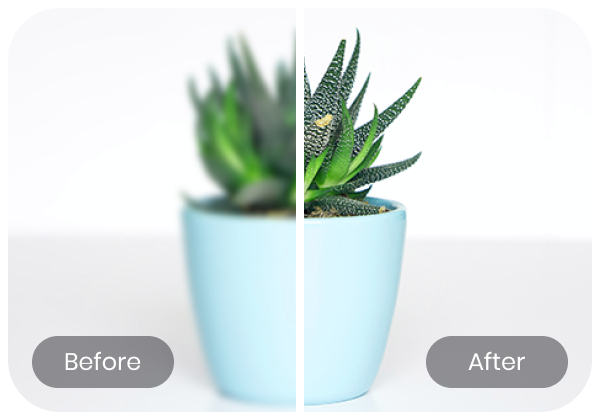
Unblur image for products, portraits, anime, and texts to restore clarity instantly.
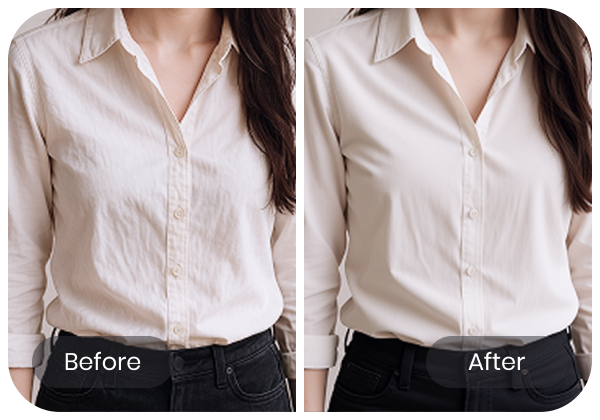
Remove wrinkles from clothes and restore a smooth, crisp look for professional product photos.
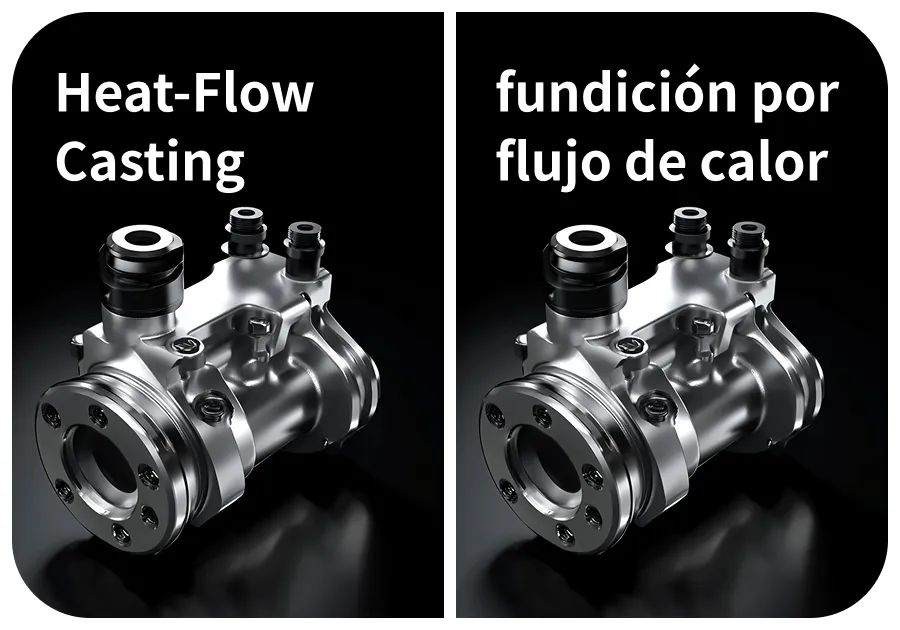
Automatically detect and translate text on images for cross-border e-commerce marketing.