



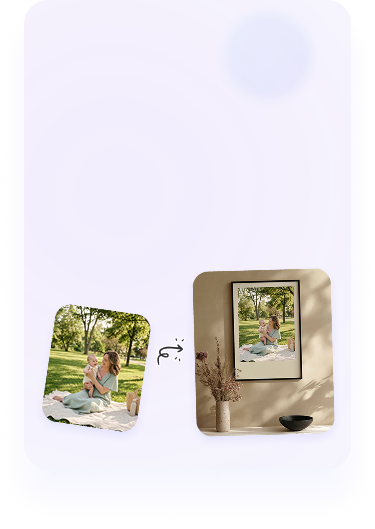

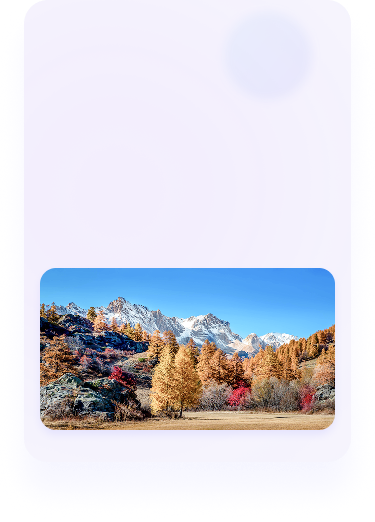




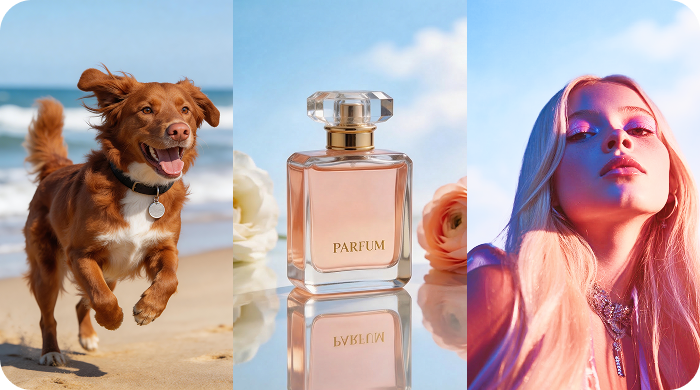

Smooth out jagged edges and enlarge images with 300 DPI for flawless printing.
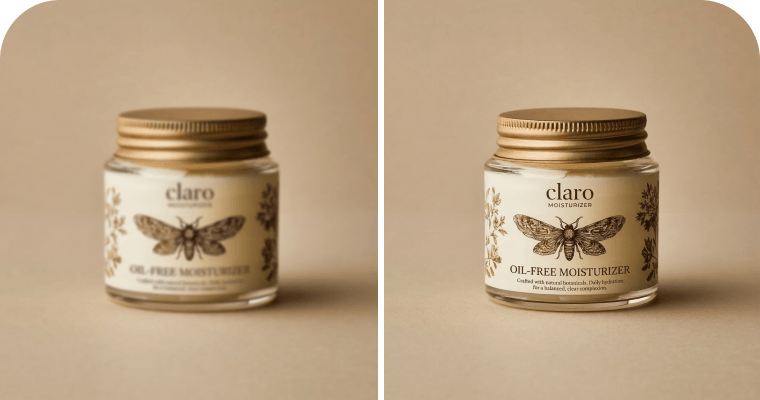
Instantly unblur text in images for perfect readability without distorting the original letters.
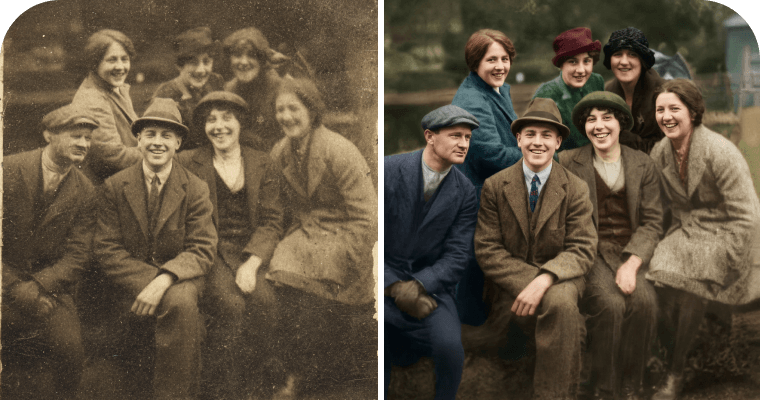
Automatically remove scratches, fix blurriness, and restore old photos with realistic colors.
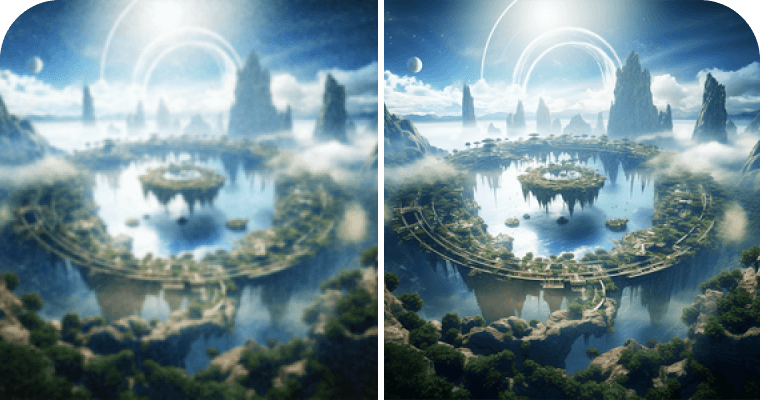
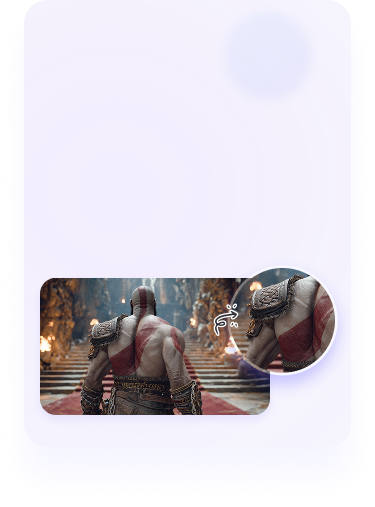
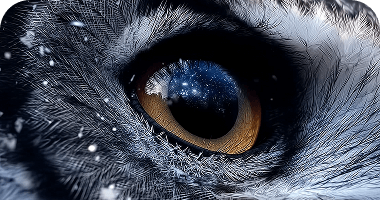
Restore fine details from your AI-generated artwork and upscale images to high resolution.
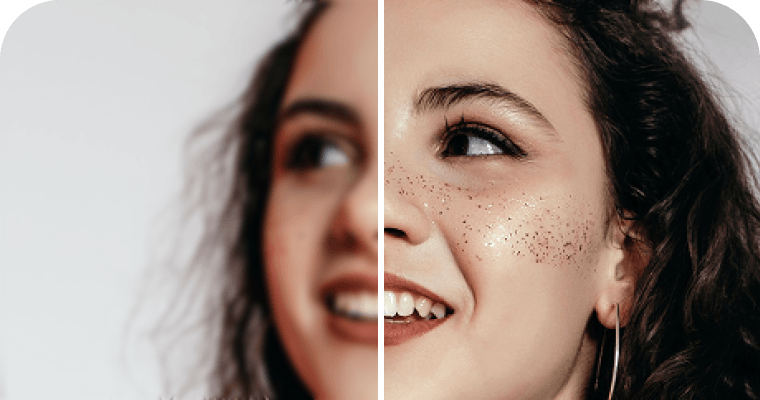
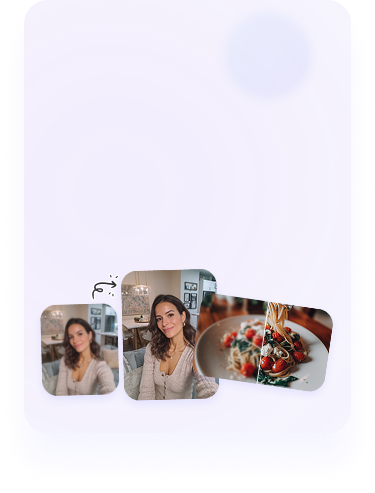
Unblur images and retouch portraits to sharpen facial features while keeping skin smooth and natural.
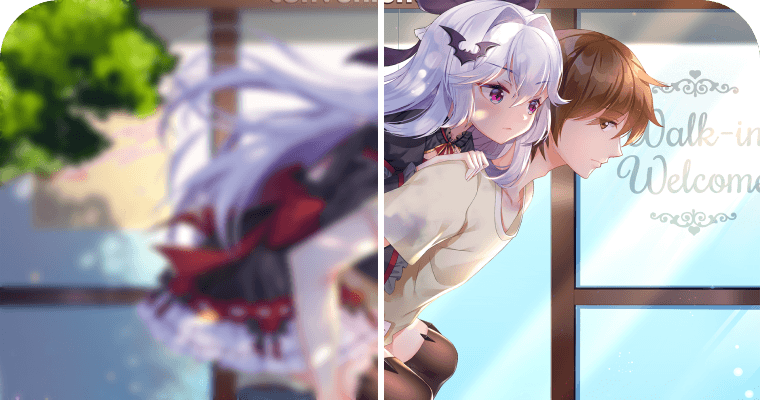
Use our Anime Enhancer to clarify lines and boost image quality for any anime style.

1. Upload your image
Upload, drag, or paste your photos into PicWish's photo enhancer. On the web, you can process up to 30 images at once.

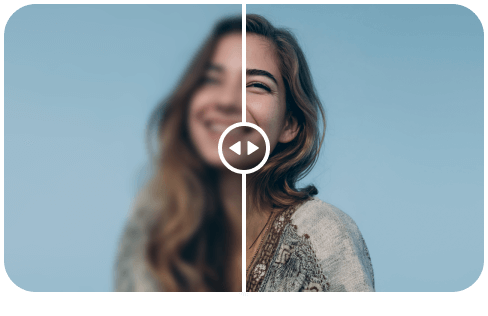
2. Let AI enhance photo quality
Watch as our AI instantly improves your image clarity using tailored models. Once enhanced, you can easily colorize, apply beauty filters, or make more edits.




3. Download your result
Download your new enhanced image for free. Find more AI photo editing tools on our homepage.
1. Upload your image
Upload, drag, or paste your photos into PicWish's photo enhancer. On the web, you can process up to 30 images at once.
2. Let AI enhance photo quality
Watch as our AI instantly improves your image clarity using tailored models. Once enhanced, you can easily colorize, apply beauty filters, or make more edits.
3. Download your result
Download your new enhanced image for free. Find more AI photo editing tools on our homepage.







What Do Our Users Say
Best tool to unblur photo
I have done lots of Google search for unblur photo stuff. But, this is the only site where, the work gets done automatically. I am sure their backend programming staff have done tremendous efforts to give us best results. All this is free and fast. This site is ahead in AI race when it comes photo unblurring online.
Phillip Sear
Amazing photo restoration!!
I have been looking for a good photo restoration website and PicWish is the best I have found. The results and colourisation were simply stunning. The price was good with an option for pay as go rather than a subscription.
Olivia Watson
AI photo editor for creative visualization
I like it's AI visualization by which it saves my time.It improves my productivity level. I change background of a image, enhancement, to remove any object from a image. It is best solution for noisy image.In comparison to other software it have a powerful AI which makes my work easy. Also it has a very easy to use interphase.
Melody Daniels
Best tool to unblur photo
I have done lots of Google search for unblur photo stuff. But, this is the only site where, the work gets done automatically. I am sure their backend programming staff have done tremendous efforts to give us best results. All this is free and fast. This site is ahead in AI race when it comes photo unblurring online.
Phillip Sear
Amazing photo restoration!!
I have been looking for a good photo restoration website and PicWish is the best I have found. The results and colourisation were simply stunning. The price was good with an option for pay as go rather than a subscription.
Olivia Watson
AI photo editor for creative visualization
I like it's AI visualization by which it saves my time.It improves my productivity level. I change background of a image, enhancement, to remove any object from a image. It is best solution for noisy image.In comparison to other software it have a powerful AI which makes my work easy. Also it has a very easy to use interphase.
Melody Daniels