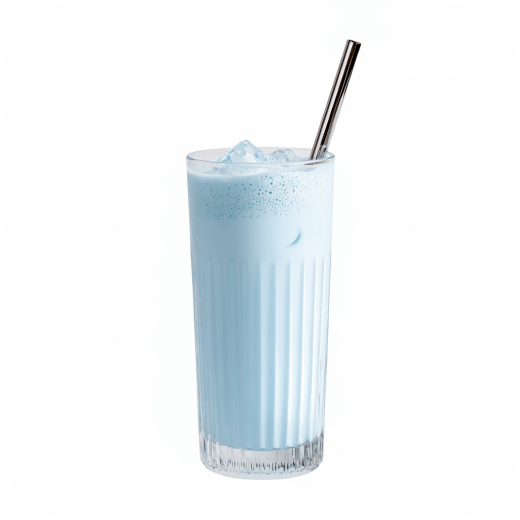
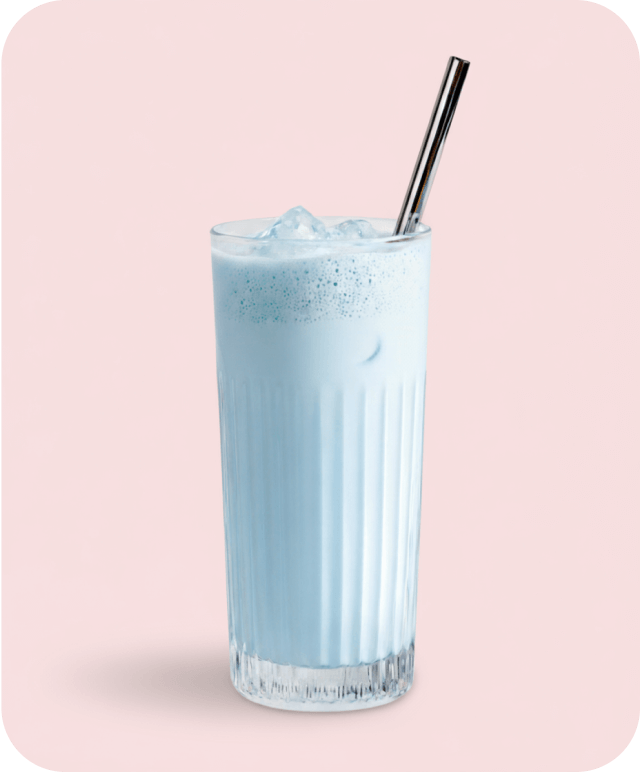
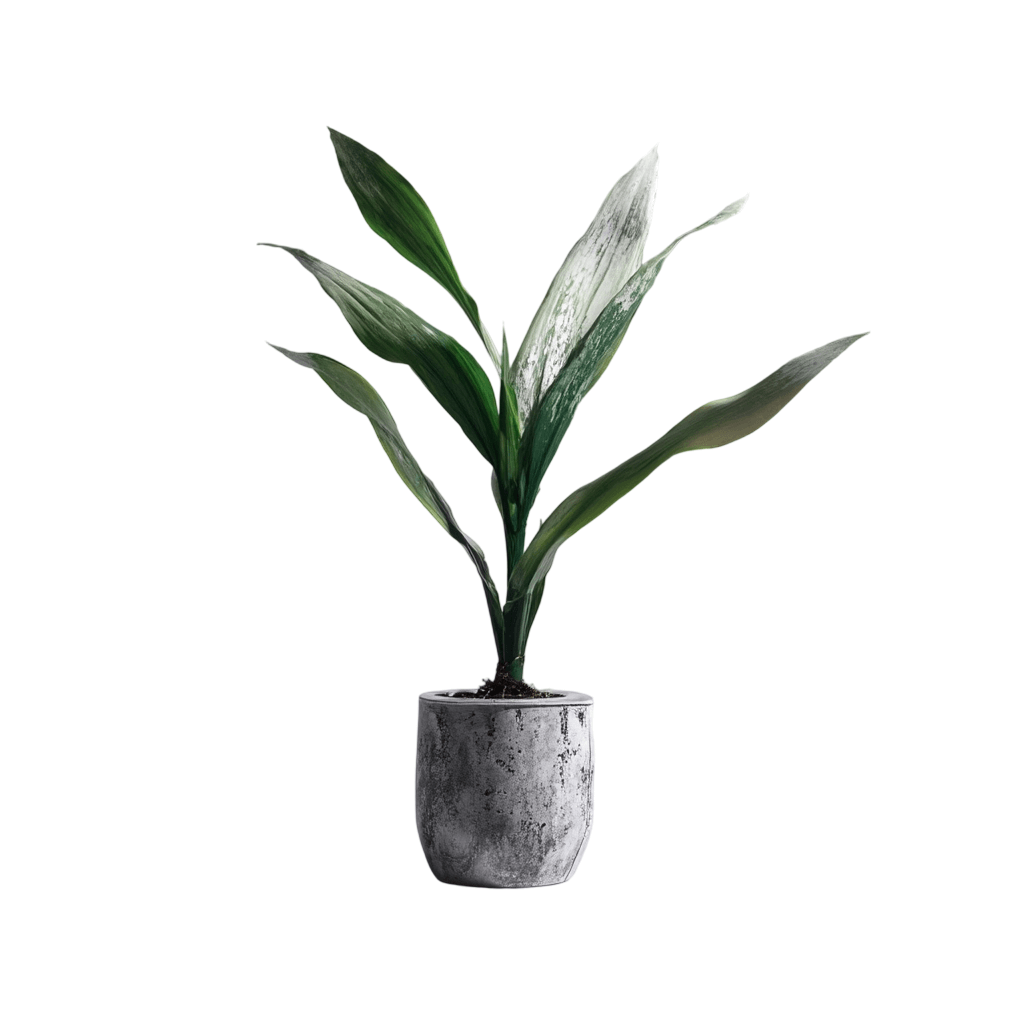
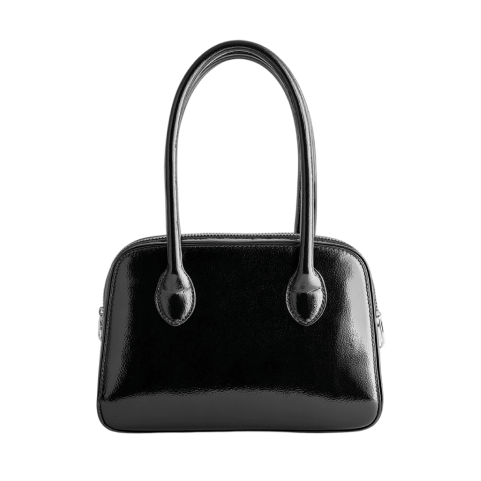
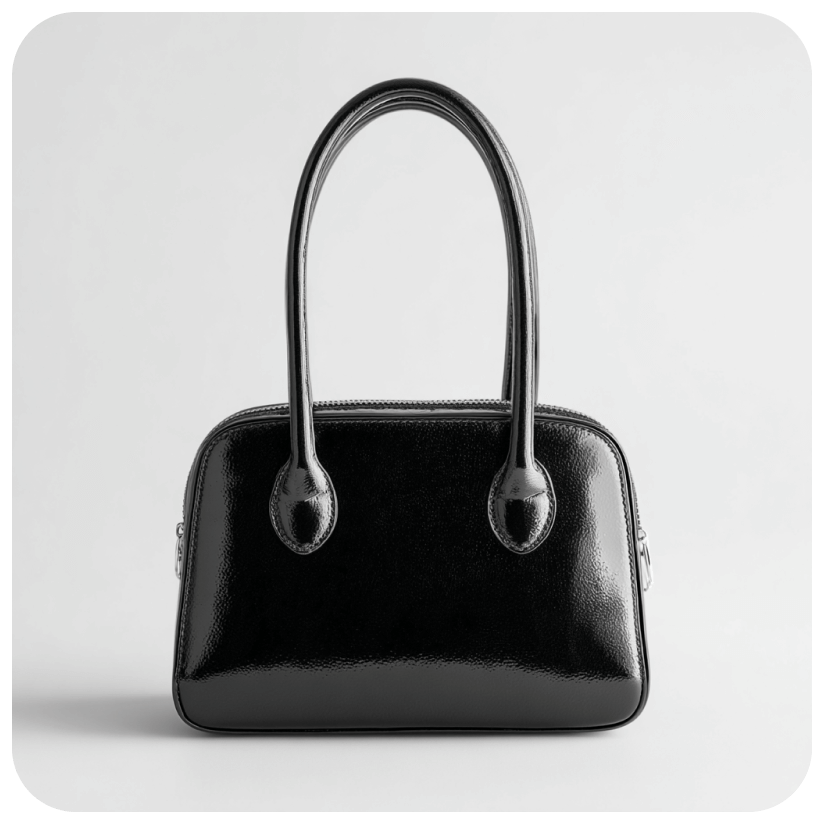
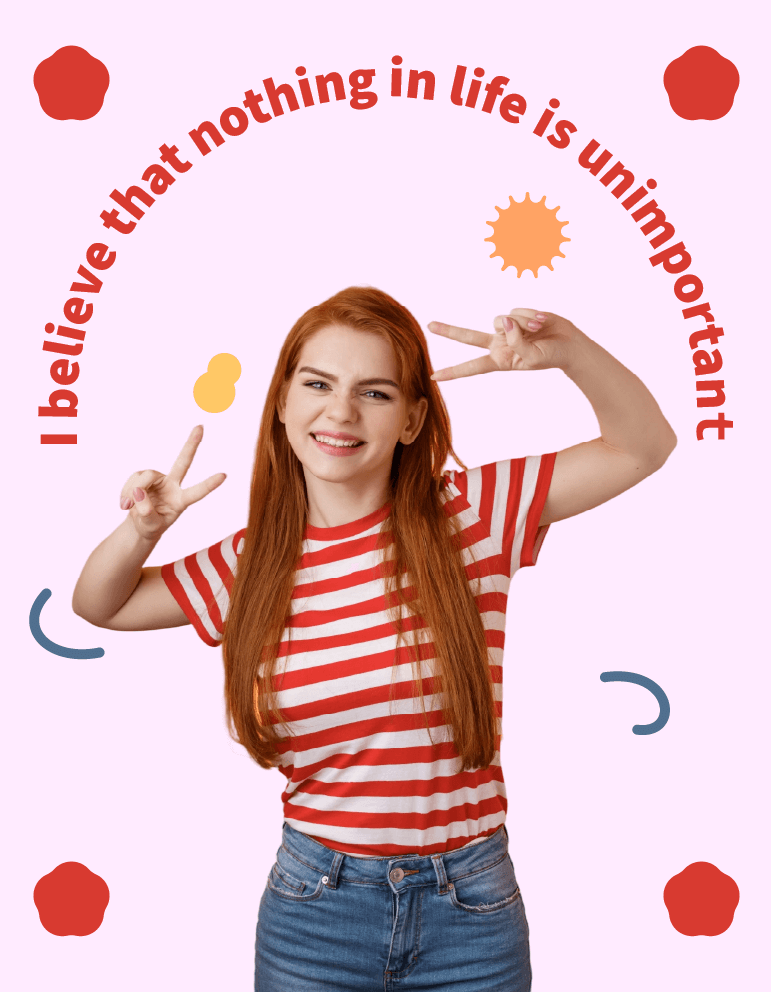
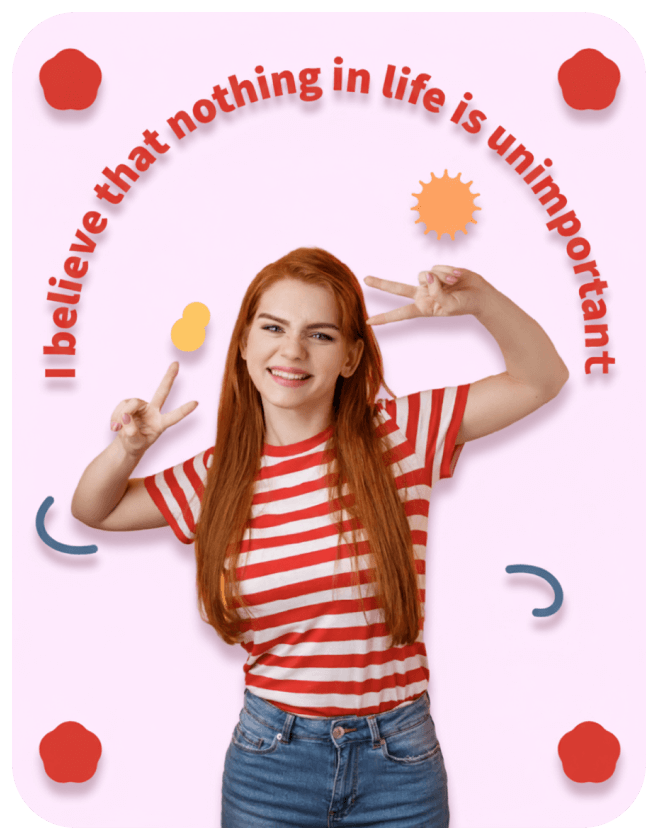
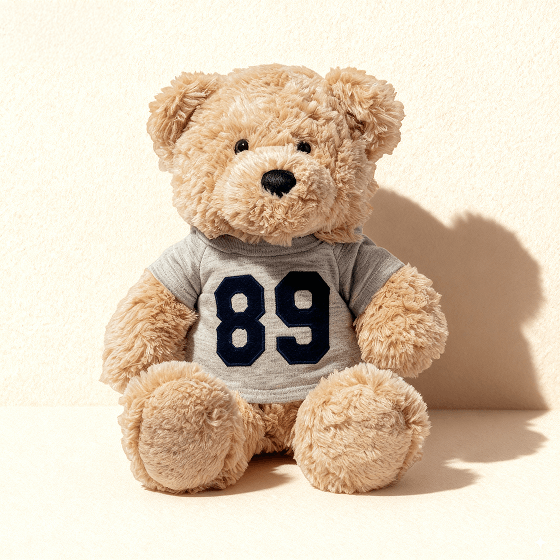
Transform your visuals with studio-quality shadows. Our advanced AI seamlessly generates realistic and directional shadows from a simple text prompt. Master shadow editing instantly, adding professional depth and realism to every image.


Upload image
Upload, drop, or paste the image url to add shadows.

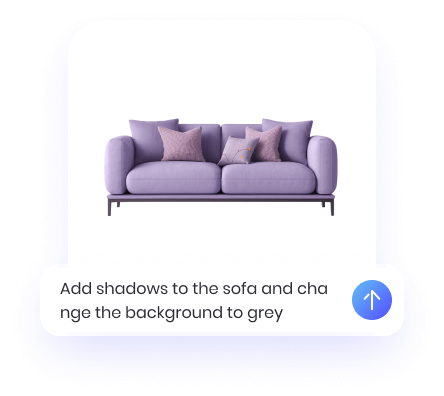
Enter Prompt
Specify your desired shadow effect (e.g., drop shadow or inner shadow)


Generate & Download
Download the result or continue editing with PicWish AI tools.
Upload image
Upload, drop, or paste the image url to add shadows.
Enter Prompt
Specify your desired shadow effect (e.g., drop shadow or inner shadow)
Generate & Download
Download the result or continue editing with PicWish AI tools.
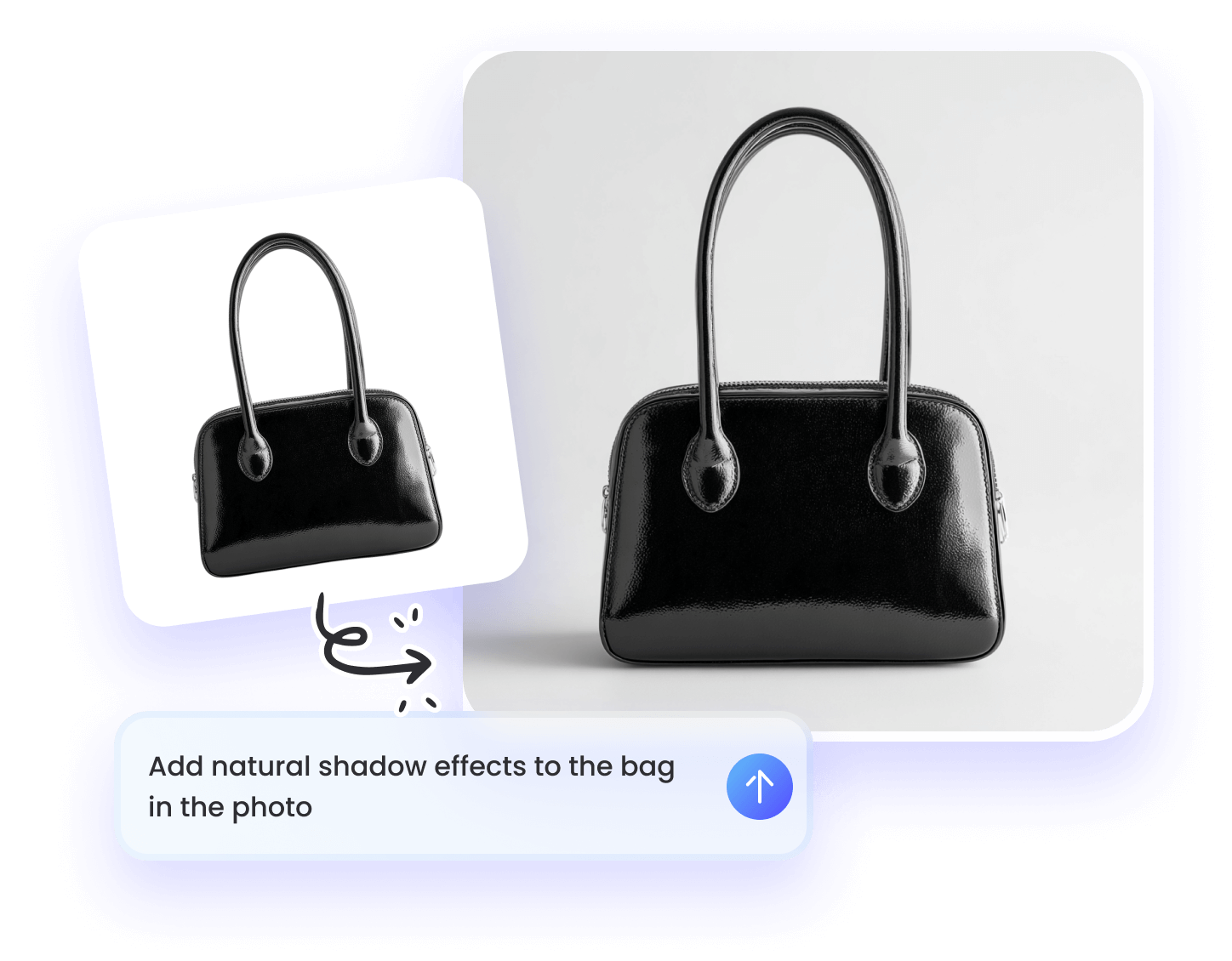
Achieve perfect shadows on any photo. Perfect for products, designs, and professional photography with just a few prompts.
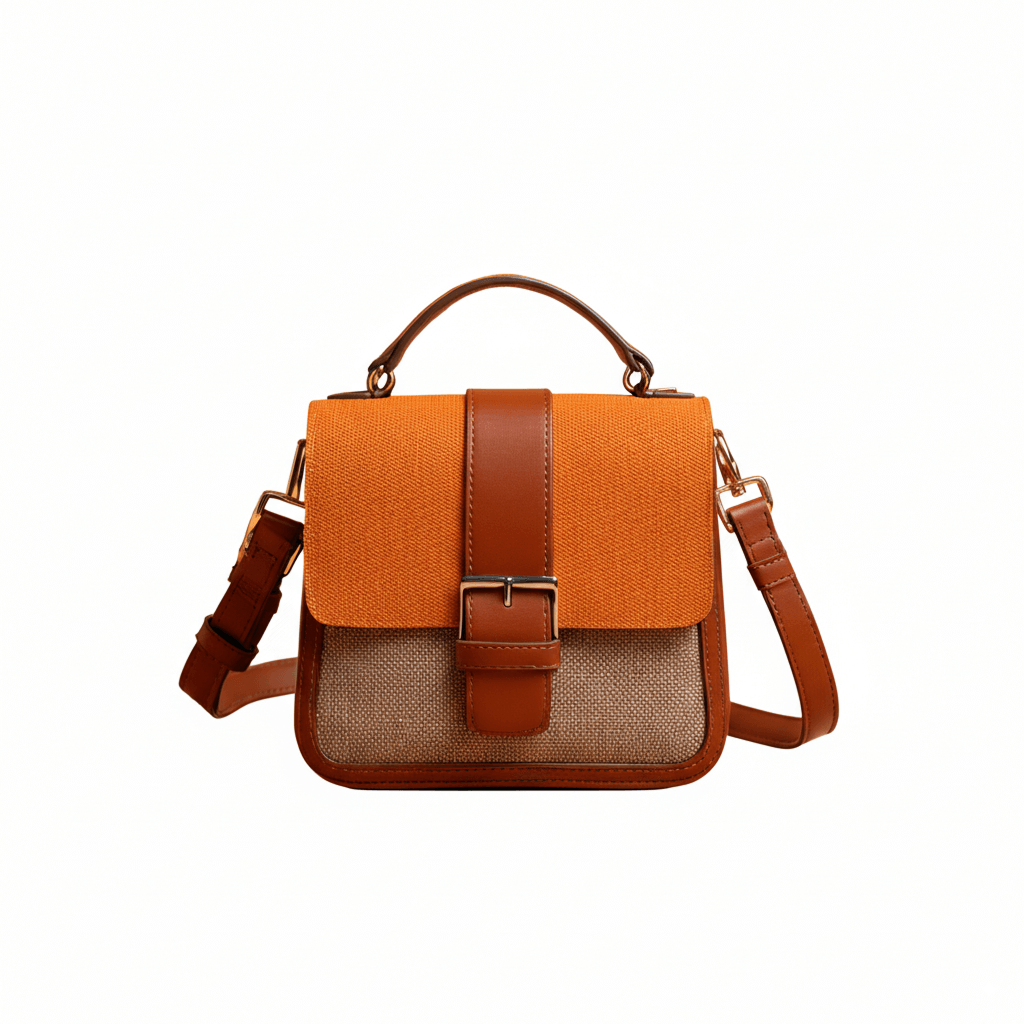
Make your products pop and look more professional. Our AI adds the perfect shadow, giving your e-commerce listings a clean, studio-quality look that builds customer trust and boosts conversions.
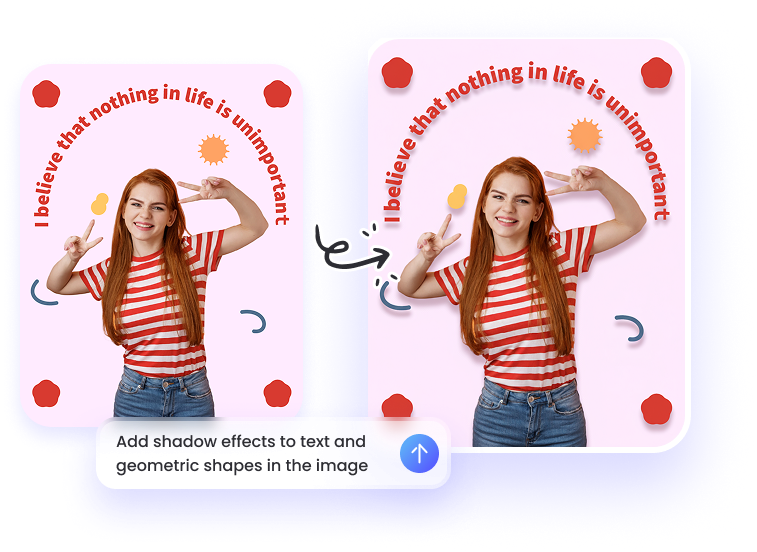
Graphic designers and content creators can effortlessly apply a clean, subtle drop shadow to text, logos, and other design elements, making them stand out with a polished, professional finish.
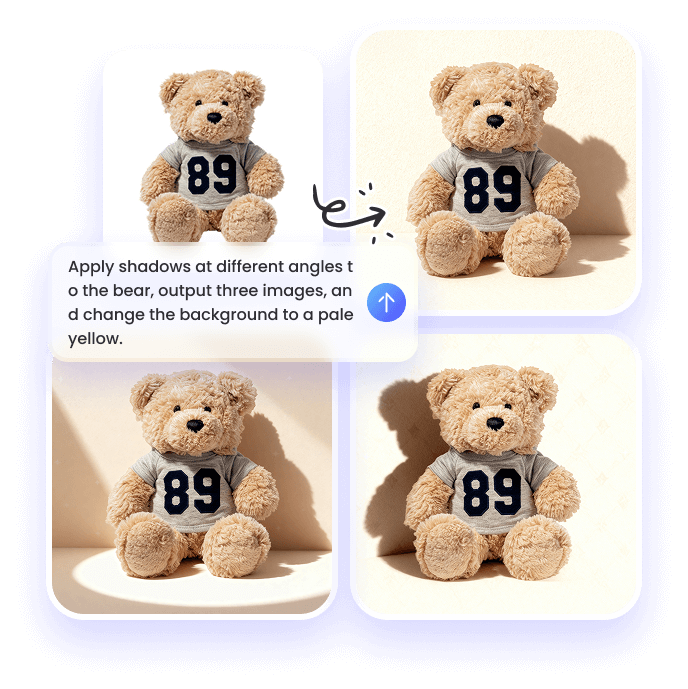
Customize the shadow effect with advanced controls for angle, length, blur, and opacity.Create lifelike depth for product photography, composite images, and any project that demands photorealistic shadows and pixel-perfect precision.
| Feature | Photoshop | PicWish |
| Speed | 5-15 minutes | 10 seconds |
| Learning Curve | Steep | None |
| Ease of Use | Complex interface | Single click |
| Consistency | Manual effort | Always perfect |
| Cost | $20.99+/month | Free to start |
| Best For | Advanced designers | Everyone |