AI Online


Drop, paste image, or URL
No image? Try one of these
JPG, JPEG, PNG, WEBP, BMP, JFIF, HEIC, AVIF,etc.
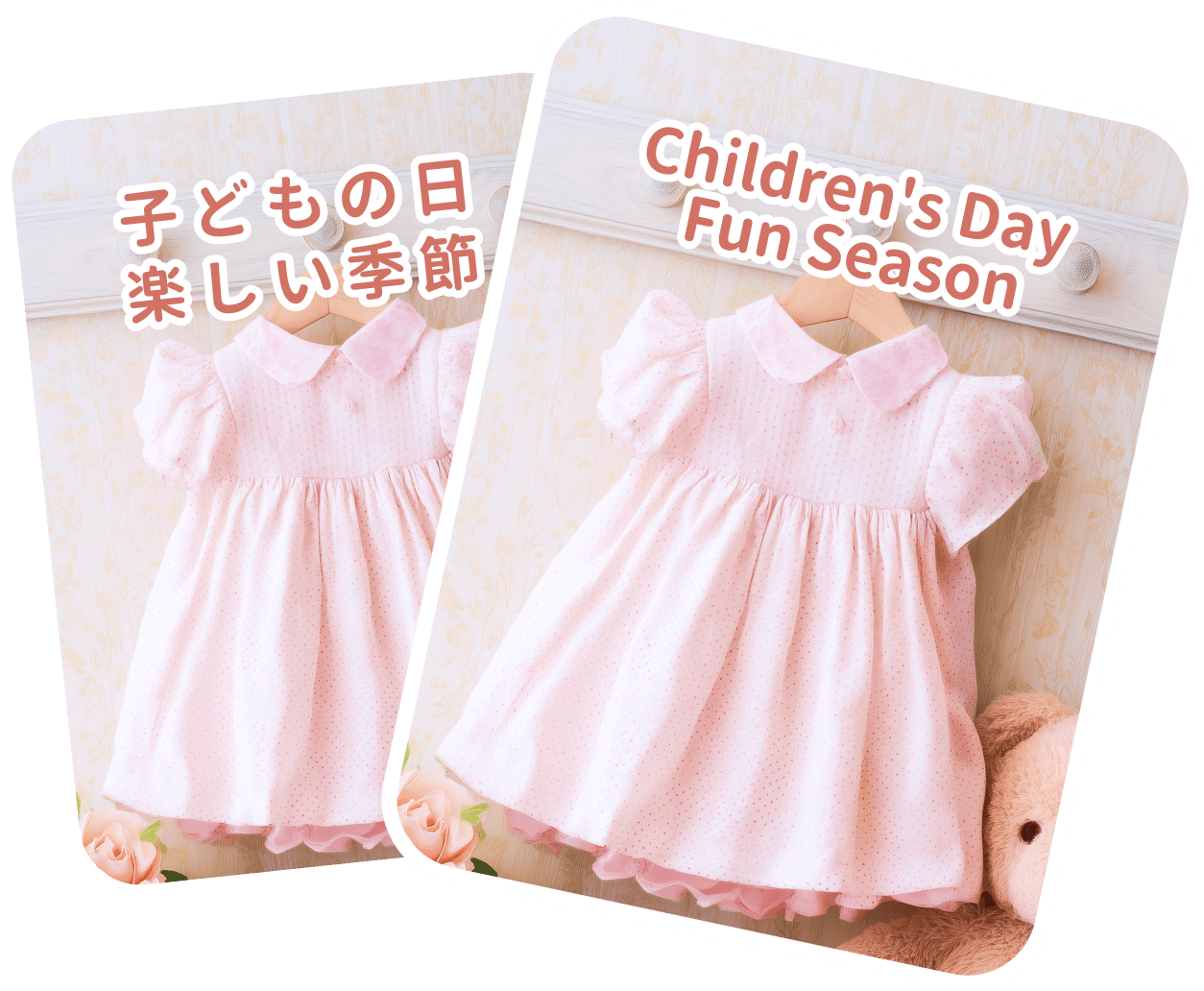
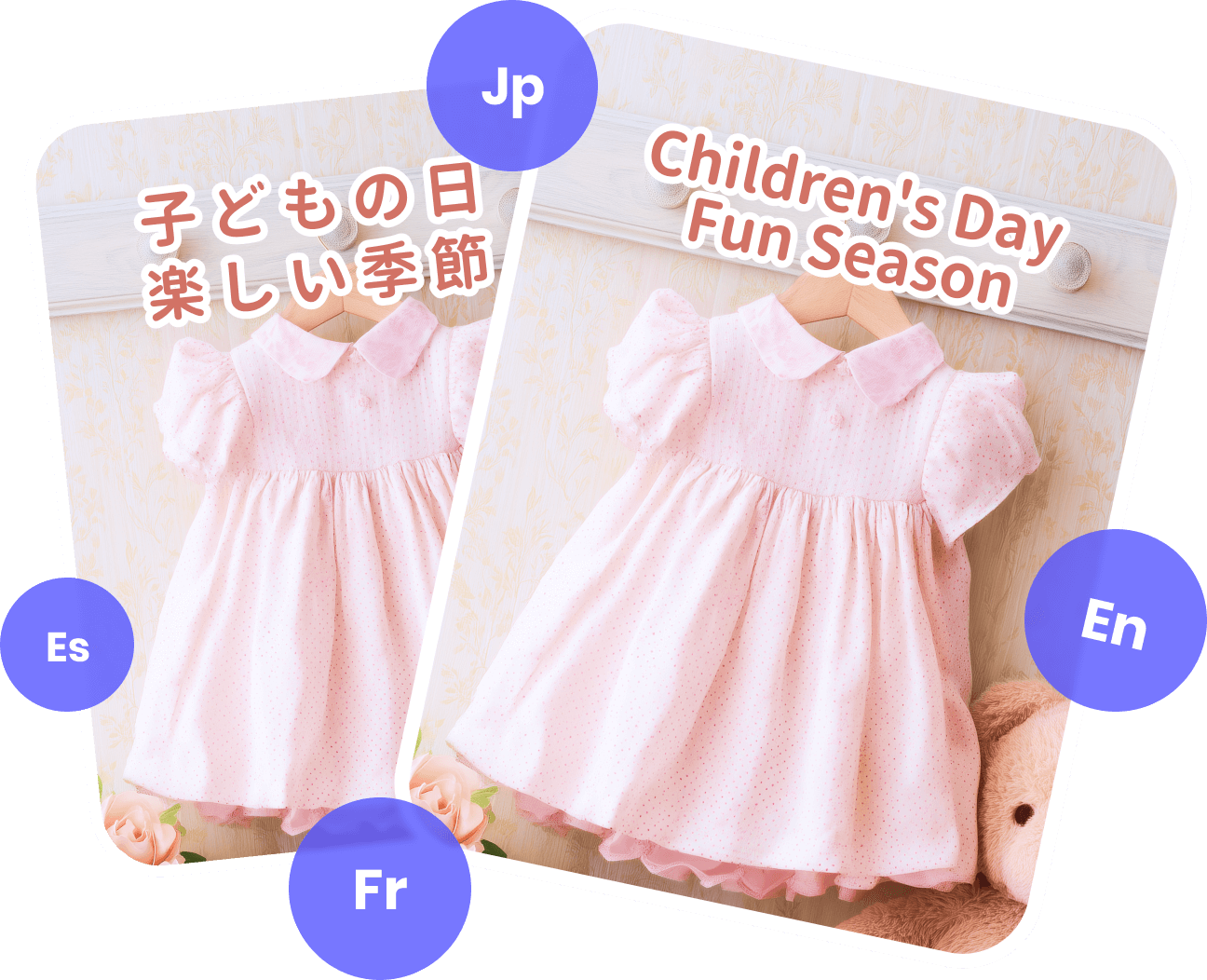
Precise and Instant AI Image Translator
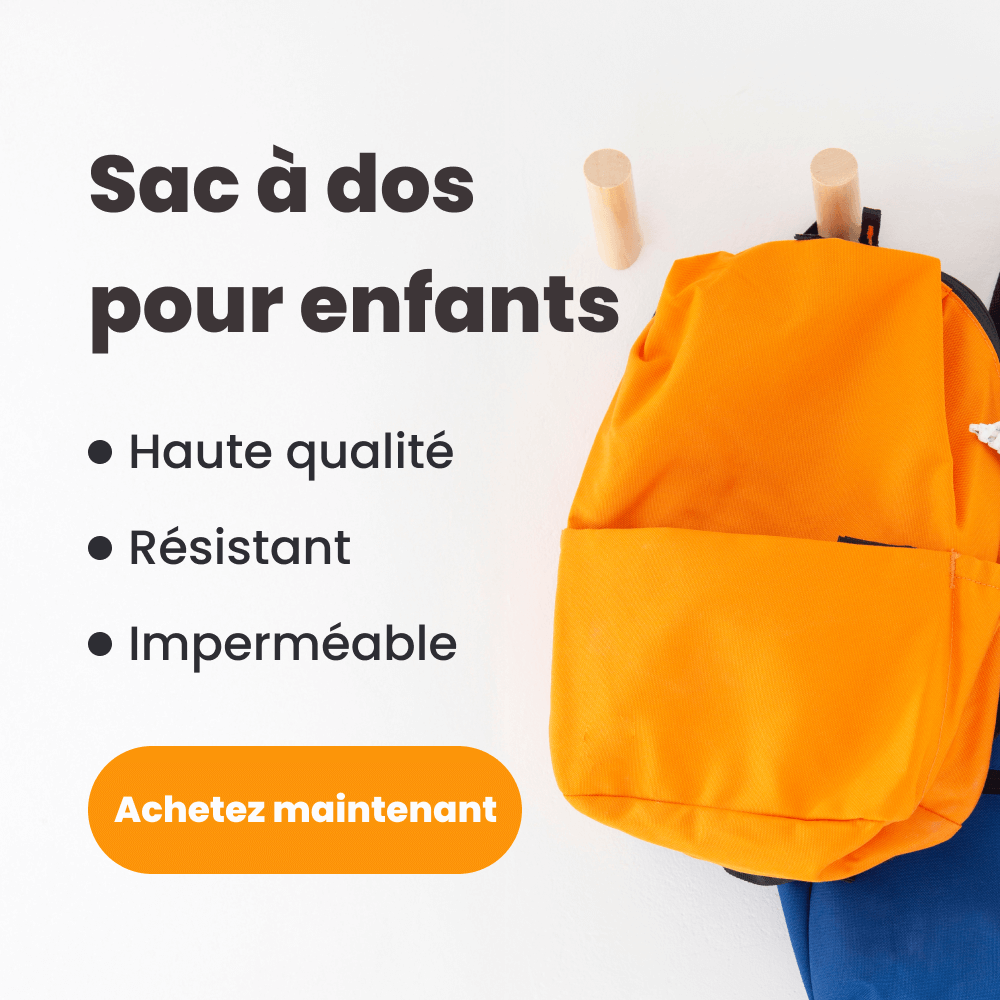
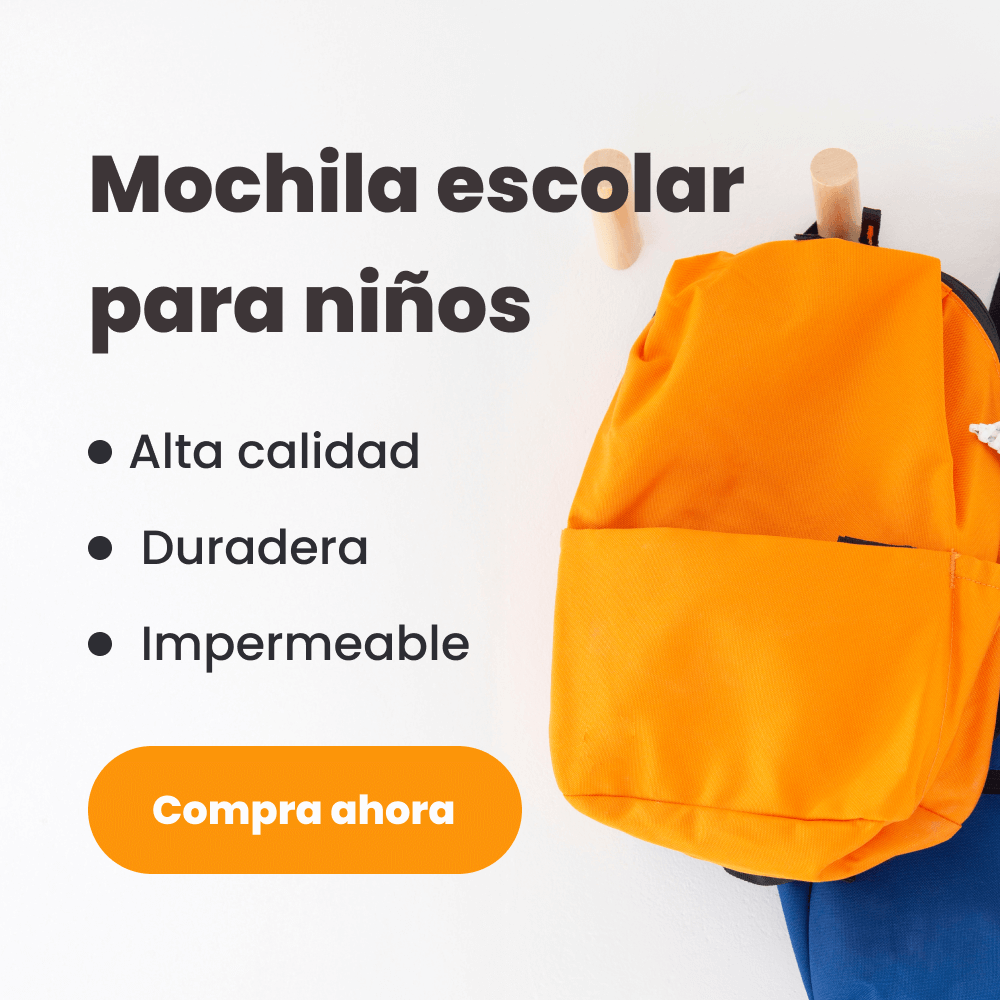
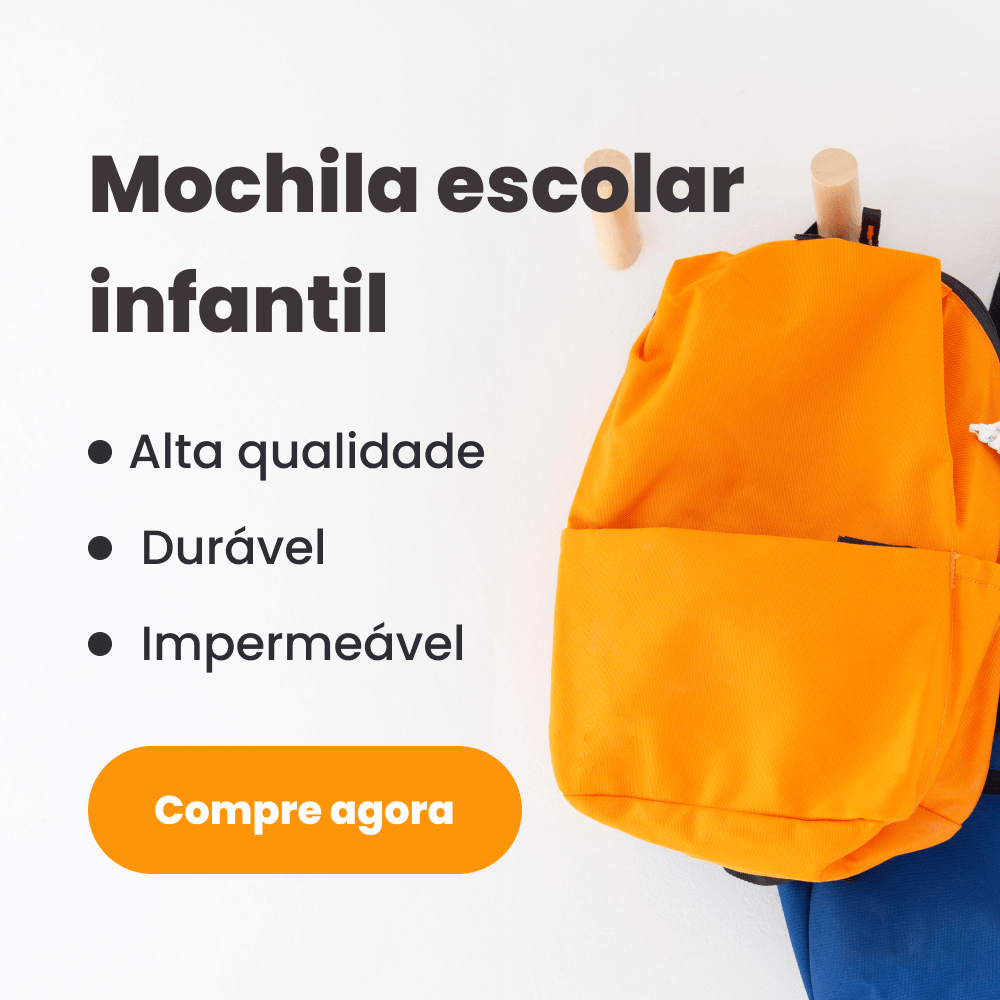
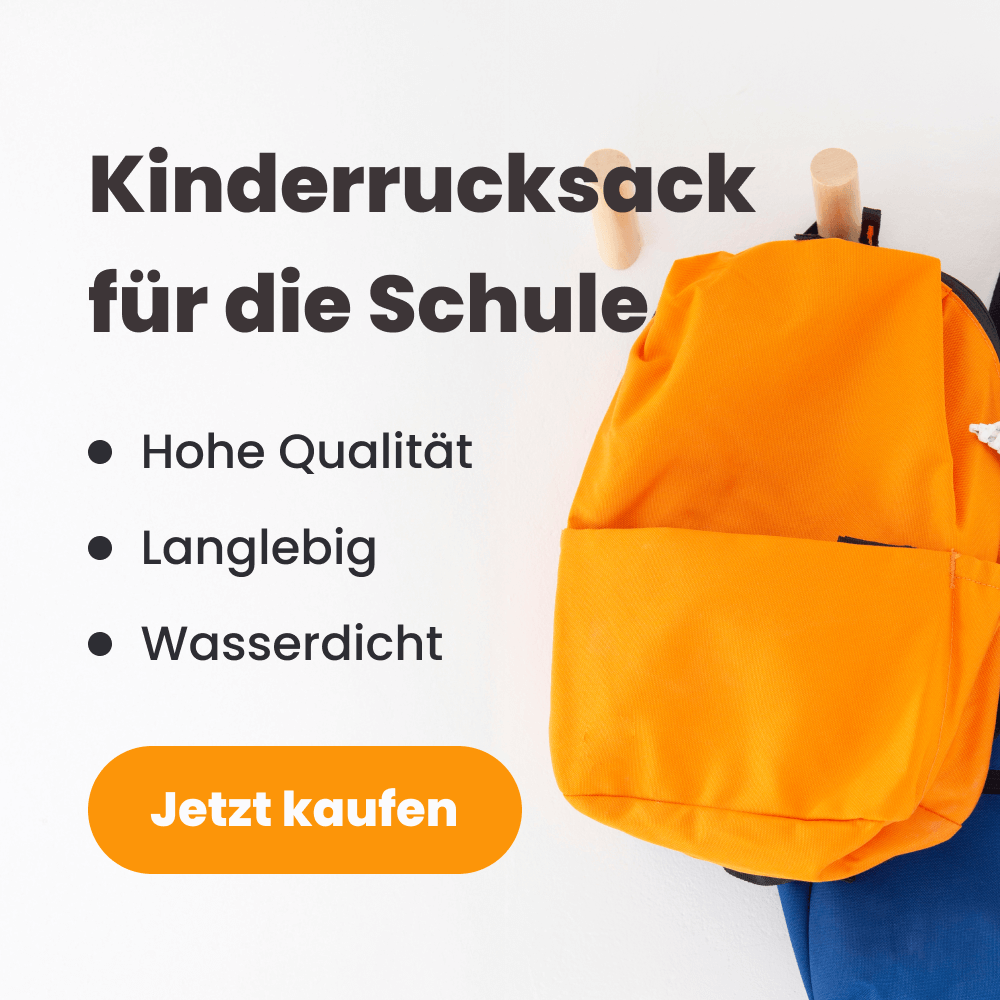
Beyond a Simple Image Translator
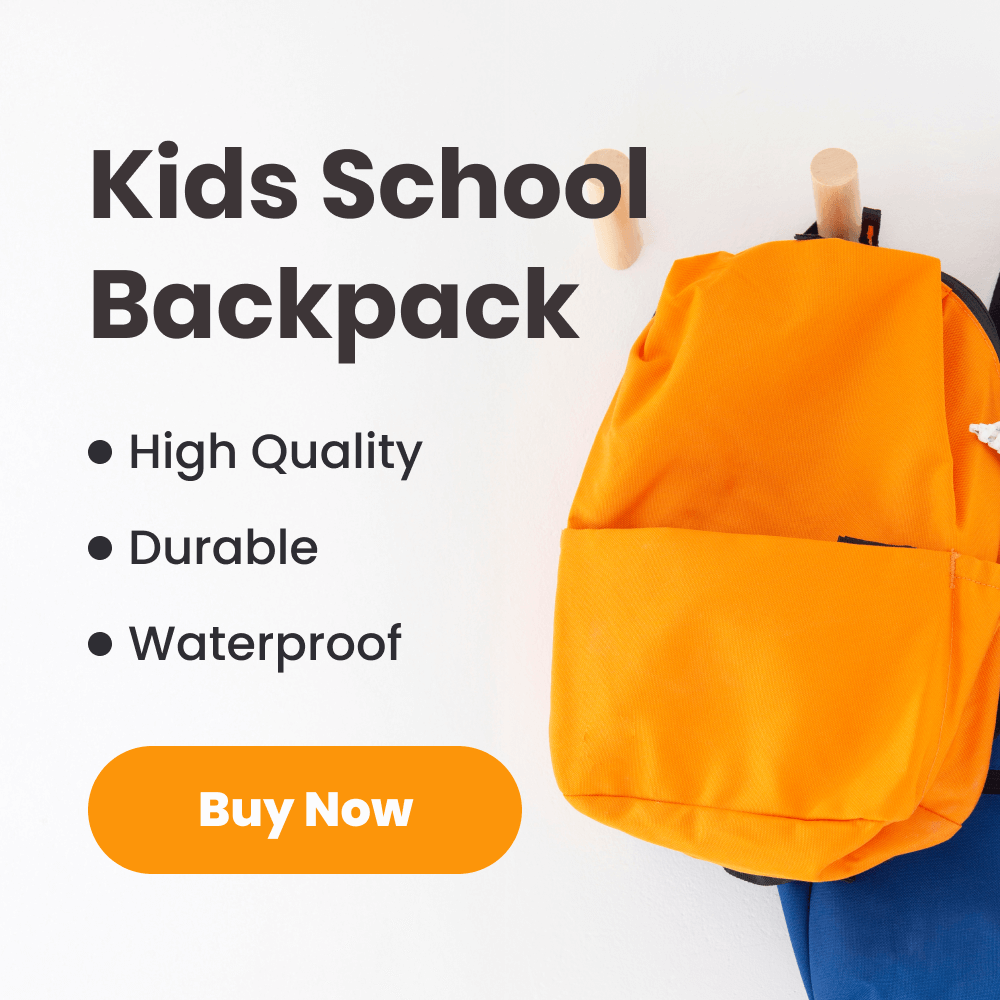
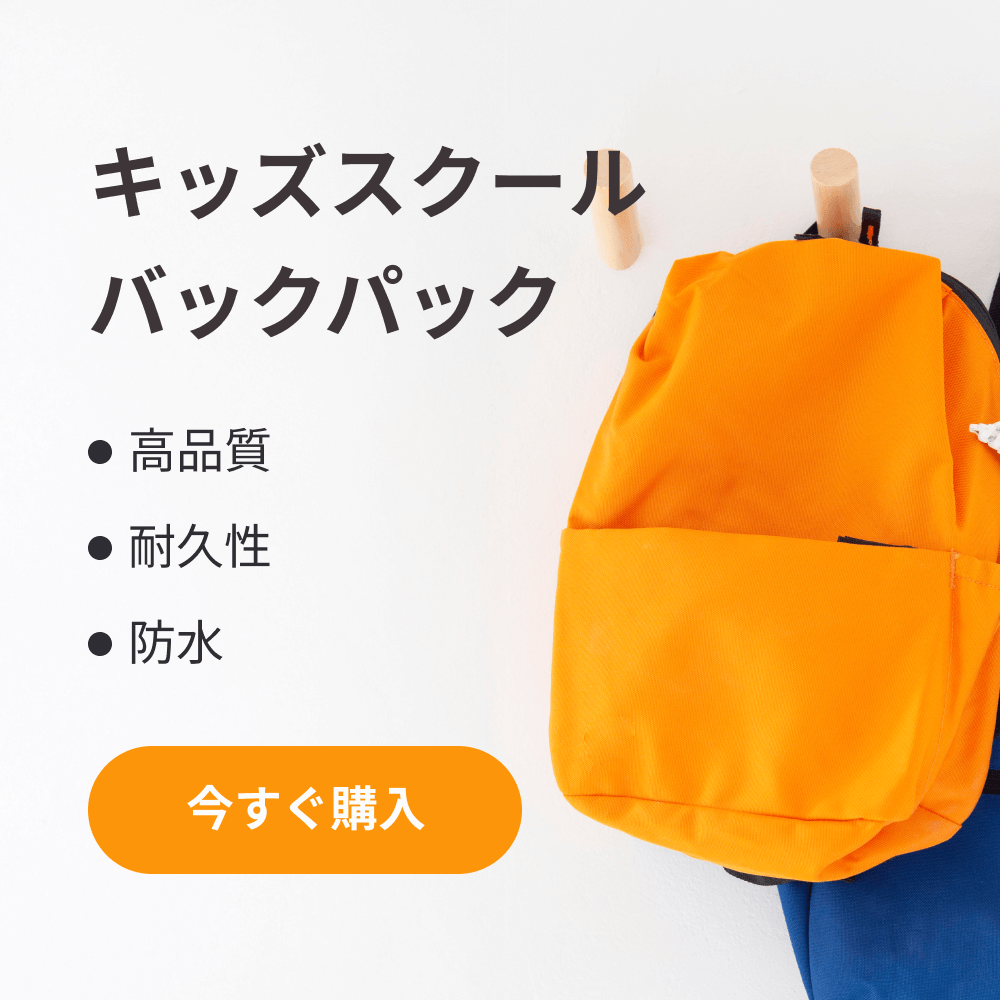
PicWish provides manual editing, advanced styling, and word optimization to make picture translations more accurate and visually appealing - ideal for e-commerce, design, social media, and more.
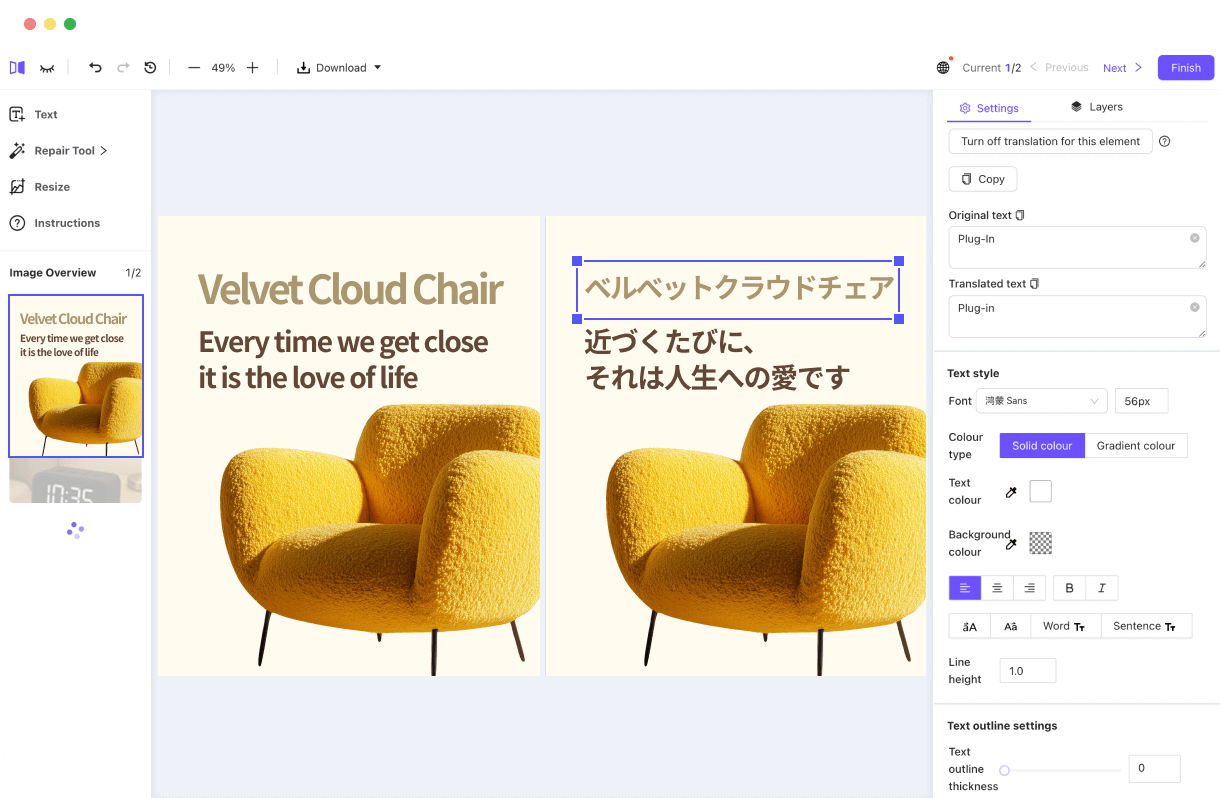
Manual Editing, Freely Customize Layout
After translating photos, you can easily edit text in images – adjusting position, angle, font, color, size, and more – for precise layout and a professional, balanced look that enhances user experience.
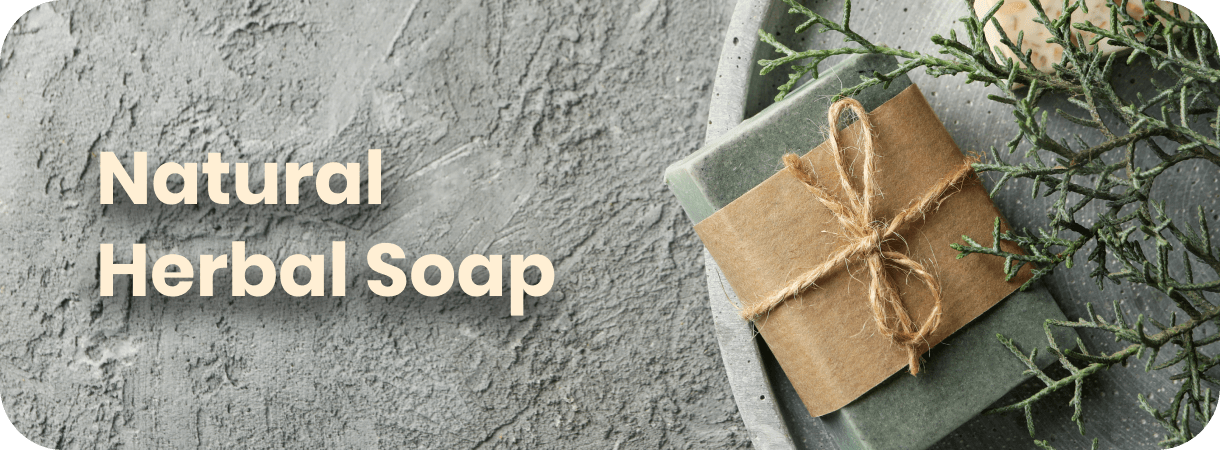
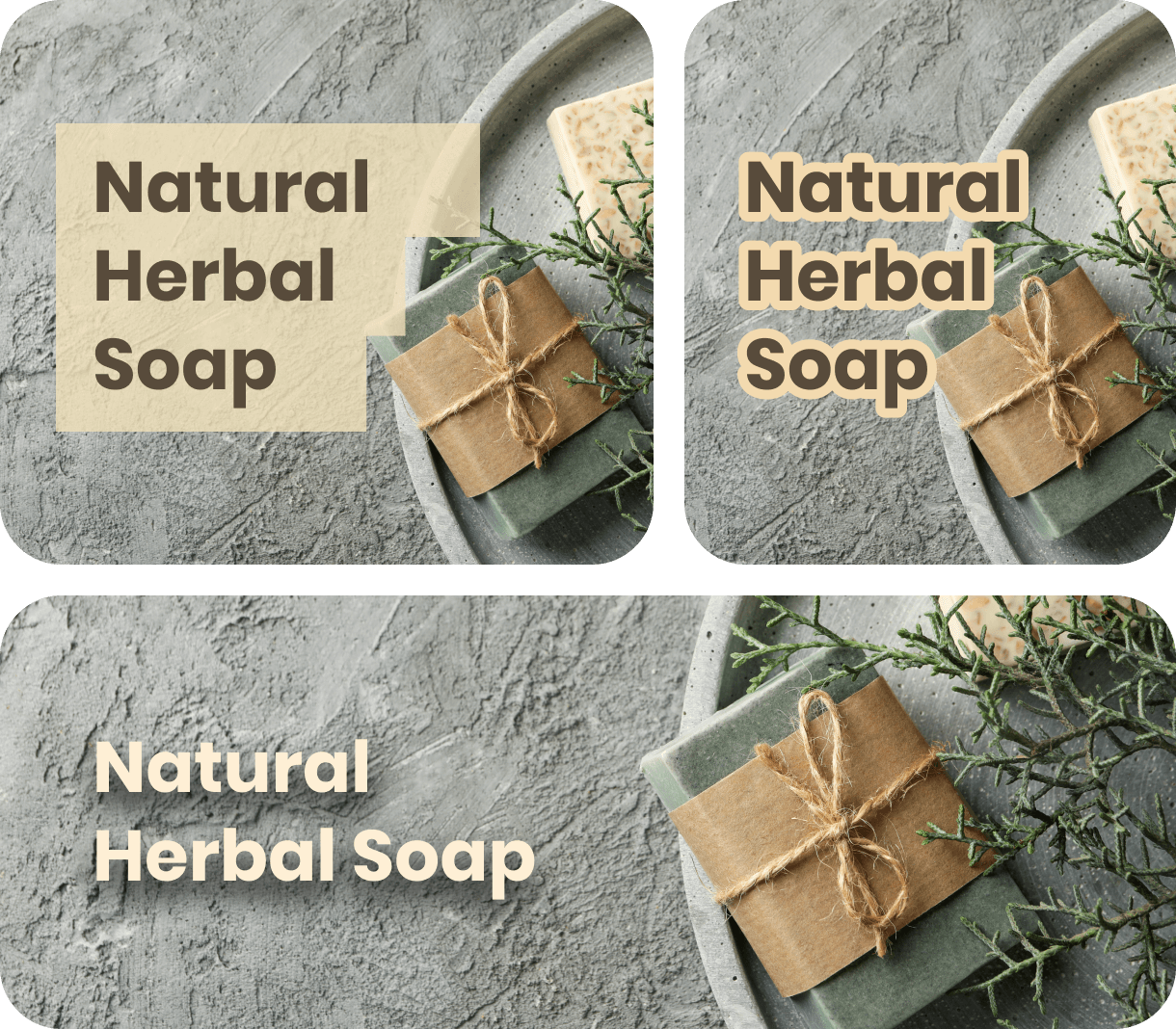
Varied Styles for Multiple Uses
Our AI image translator supports adding outlines, shadows, backgrounds and other effects to text, making product details stand out and boosting visual appeal. You can further enhance the overall image quality with our photo enhancer for sharper, more professional results. Perfect for e-commerce pages, advertisements, and social media marketing.


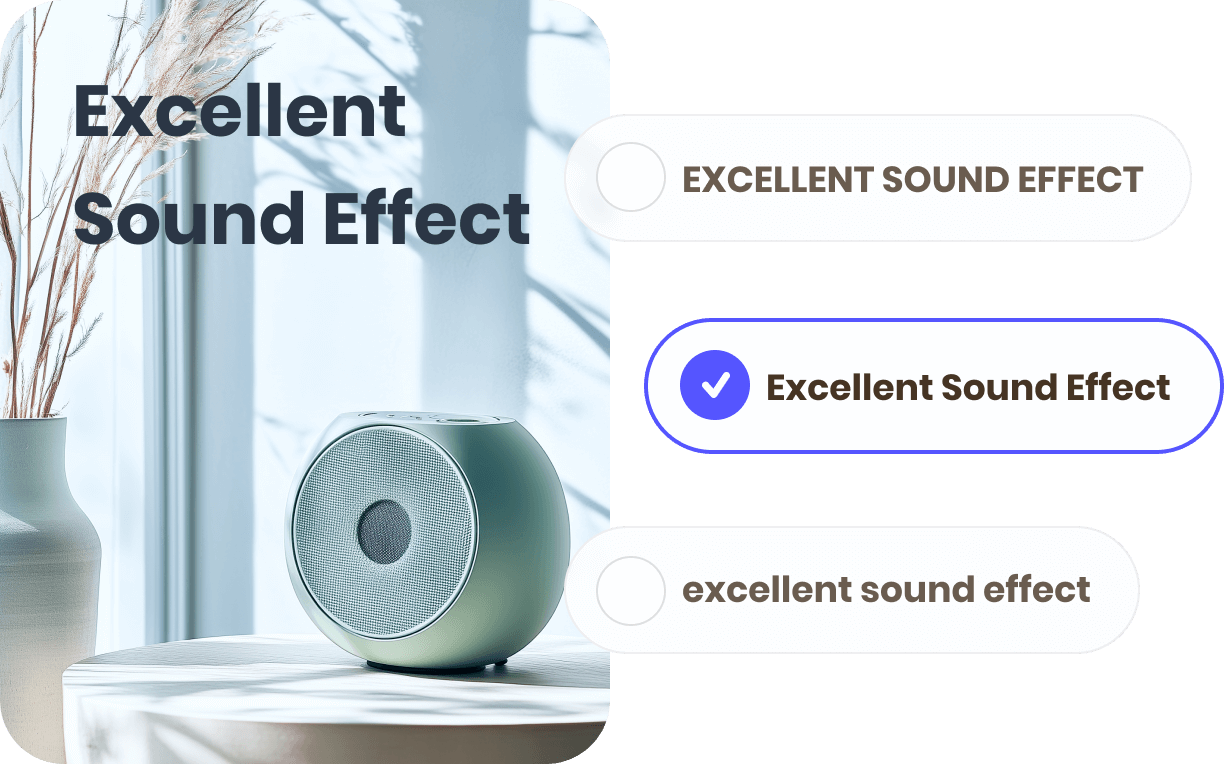
Smart Text Image Translator
It provides one-click case formatting (e.g., uppercase, title case), perfect for cross-border e-commerce. Ensures product titles and descriptions fit the target market’s language style, improving readability, SEO, and boosting sales.
How to Translate Text in Images


Upload Image
Drag and drop, paste, or upload your file (JPG, PNG, WebP, etc.) or enter a URL to get started.

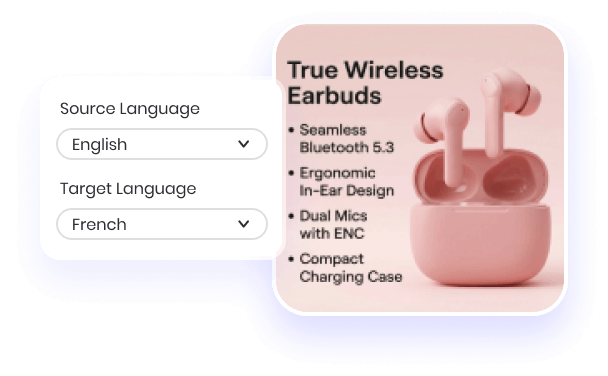
Select Languages
Choose the original language of the text and your desired target language from our supported list.

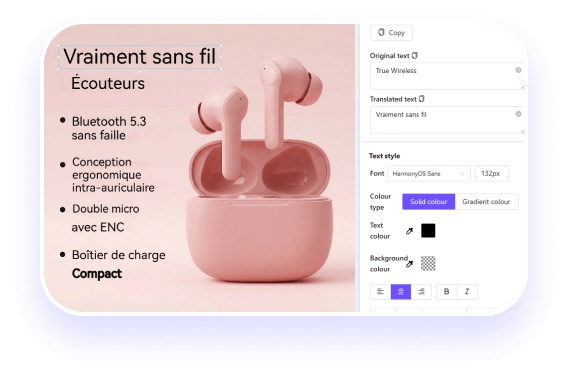
AI Translation & Customization
Wait seconds for the AI to translate. You can then refine the text or adjust fonts and styles to blend perfectly with your image.

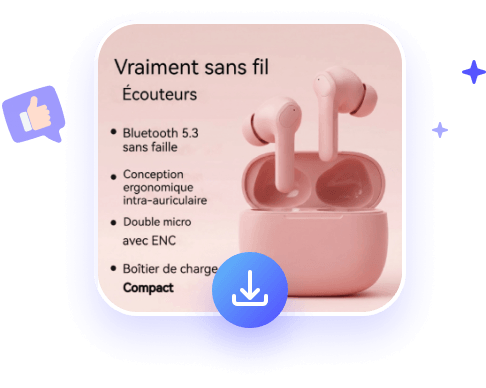
Download Result
Once you're happy with the layout, export your high-quality translated image for free.
Upload Image
Drag and drop, paste, or upload your file (JPG, PNG, WebP, etc.) or enter a URL to get started.
Select Languages
Choose the original language of the text and your desired target language from our supported list.
AI Translation & Customization
Wait seconds for the AI to translate. You can then refine the text or adjust fonts and styles to blend perfectly with your image.
Download Result
Once you're happy with the layout, export your high-quality translated image for free.
FAQs about AI Image Translator
Discover More Online Tools




Translate Pictures Online
Fast & Highly Accurate