
Best Ways to Make Picture Background Transparent
- Importance of transparent backgrounds in digital media
- Understanding Transparency
- Online Tools for Transparent Backgrounds
- Tips and Tricks for Better Results
- Considerations for using online tools, including privacy and image quality concerns
Importance of transparent backgrounds in digital media
Transparent backgrounds are essential for enhancing digital media’s visual appeal, flexibility, and functionality across diverse applications. By leveraging the capabilities of a transparent image maker, designers and content creators can unlock new possibilities for creative expression while delivering engaging and immersive experiences to their audience. Good Thing there are tools that remove background images in HD quality. Check them out and see how to make picture background transparent with these tools.
Understanding Transparency
Transparency in digital imagery refers to the ability of an image to have see-through areas, allowing whatever is behind the image to show through those transparent areas. This feature is crucial in various digital media contexts, from graphic design to web development.
Online Tools for Transparent Backgrounds
PicWish
Regarding how to make a picture transparent, PicWish is one of the best tools you can use. This is an innovative online tool designed to simplify the process of making picture backgrounds transparent. With its user-friendly interface and powerful background removal capabilities, this amazing tool empowers users to effortlessly create transparent images for a variety of purposes, from graphic design to social media content. One of the standout features of PicWish is its advanced background removal algorithm, which leverages cutting-edge technology to accurately detect and remove backgrounds from images of varying complexity.
How to make a picture background transparent with PicWish:
- Get the app using the button below.
- Or just go to the official site of PicWish Remove Background.
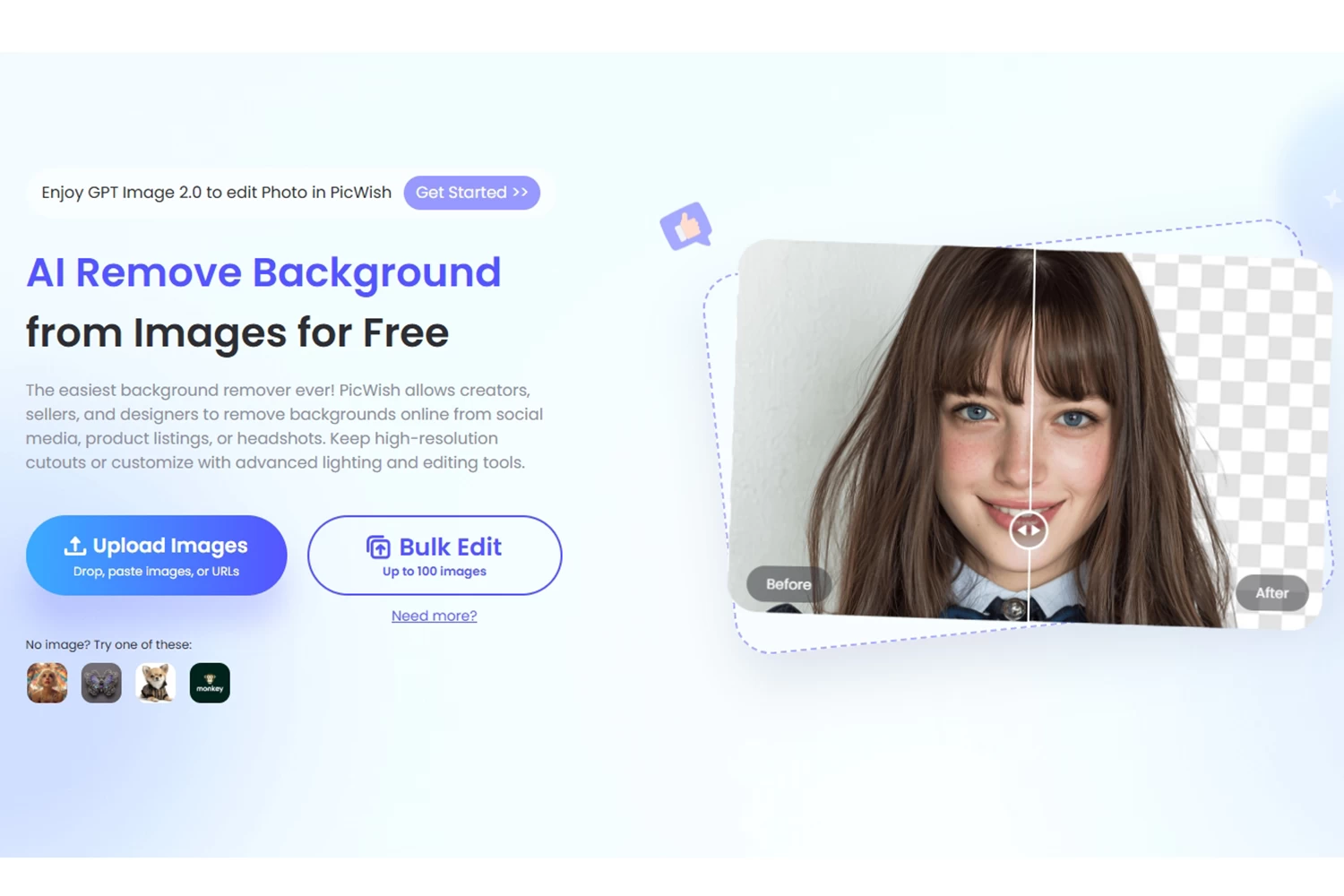
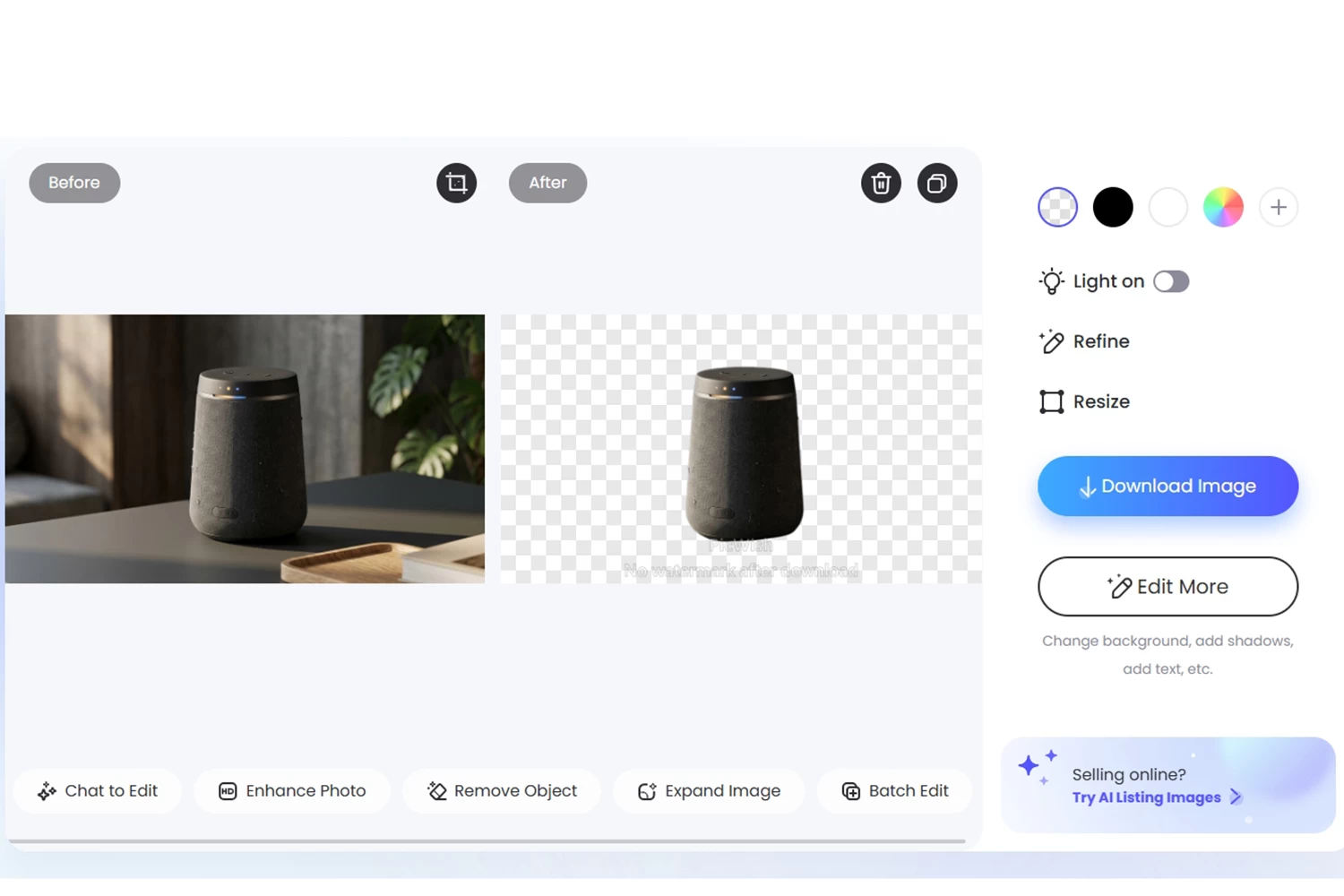
- Upload your image and wait for the tool to remove your background automatically.
- Once done, hit Download Image to get your transparent image.
Canva
If you are looking for ways on how to make a picture’s background transparent, Canva is a good tool to try. It is simple and accessible to users of all skill levels. This is a popular online graphic design platform that offers a straightforward and intuitive process for making picture backgrounds transparent. With its wide range of design tools and templates, this tool provides users with the flexibility to create transparent images for various purposes, from social media graphics to professional presentations.
How to make an image background transparent with Canva:
- Open Canva on your web browser and upload your photo.

- Click the share button, put a checkmark on the Transparent background option, then click download.

Kapwing
The last tool you can use to deal with how to make the background of an image transparent is Kapwing. This is a versatile online platform that simplifies the process of removing backgrounds and making picture backgrounds transparent. With its easy-to-use interface and powerful editing tools, Kapwing offers users a convenient solution for creating transparent images for a variety of purposes, from social media posts to professional presentations.
How to make a picture transparent background with Kapwing:
- Open Kapwing on your browser and upload your image.

- Click the auto-remove background option then click Done.

Tips and Tricks for Better Results
Optimizing image resolution and quality for transparent backgrounds is essential to ensure that the final images are visually appealing and suitable for their intended use. Since you already know how to make the background of an image transparent, here are some strategies to achieve the best results:
Start with High-Quality Source Images
Begin with source images that have sufficient resolution and clarity. Higher resolution images provide more detail, which is particularly important when creating transparent backgrounds.
Choose the Right File Format
Use file formats that support transparency and maintain image quality, such as PNG (Portable Network Graphics) or TIFF (Tagged Image File Format).
Adjust Image Resolution Appropriately
Determine the intended use of the image and adjust its resolution accordingly. For web use, a resolution of 72 pixels per inch (PPI) is typically sufficient, while print materials may require higher resolutions, such as 300 PPI.
Refine Selections and Masks Precisely
When removing backgrounds to create transparency, use precise selection tools and refine edges meticulously.
Consider Color Depth
Choose the appropriate color depth for your images. Higher color depths (e.g., 24-bit or 32-bit) preserve more color information and result in better image quality.
Optimize File Size
Balance image quality with file size to ensure optimal performance, especially for web use. Use compression techniques that preserve image quality while reducing file size, such as selective compression or image optimization tools.
Consider Using Vector Graphics
For graphics that require scalability and maintain image quality at any size, consider using vector graphics formats such as SVG (Scalable Vector Graphics).
Considerations for using online tools, including privacy and image quality concerns
Regarding how to make a photo background transparent when using online tools, several considerations, including privacy and image quality concerns, should be taken into account to ensure a safe and satisfactory experience. Here are some key considerations:
- Privacy Policies and Data Security
- Use Secure Connections
- Read User Reviews and Ratings
- Check for Watermarks or Branding
- Image Quality and Compression
- File Format and Compatibility
- Use Trusted Platforms
- Consider Alternatives
Conclusion
If you are still wondering how to make a picture background transparent, turn to the tools mentioned above, which help you unlock a world of creative possibilities in digital media. From enhancing visual appeal to improving user experience, transparent images play a vital role in various applications. By utilizing innovative tools like PicWish, Canva, and Kapwing, alongside optimizing image resolution and considering privacy and quality concerns, users can effortlessly create stunning transparent images that captivate audiences and elevate their digital projects to new heights.


Leave a Comment