

High-quality images are essential for photography, ecommerce, marketing, and social media. Poor lighting, low resolution, or camera limitations often result in images that need improvement. AI image enhancers have become a convenient solution, offering automatic sharpening, noise reduction, upscaling, and even restoration of old photos.
In this article, we provide objective reviews of seven popular AI image enhancers in 2026, including features, pros, cons, and best use cases.
7 Best Photo Enhancer Tools Online
- PicWish
- Topaz Gigapixel AI
- Let’s Enhance
- VanceAI Image Enhancer
- Fotor AI Image Enhancer
- Remini Image Enhancer
- Adobe Photoshop (AI Enhance & Super Resolution)
- Summary Comparison
1. PicWish AI Photo Enhancer
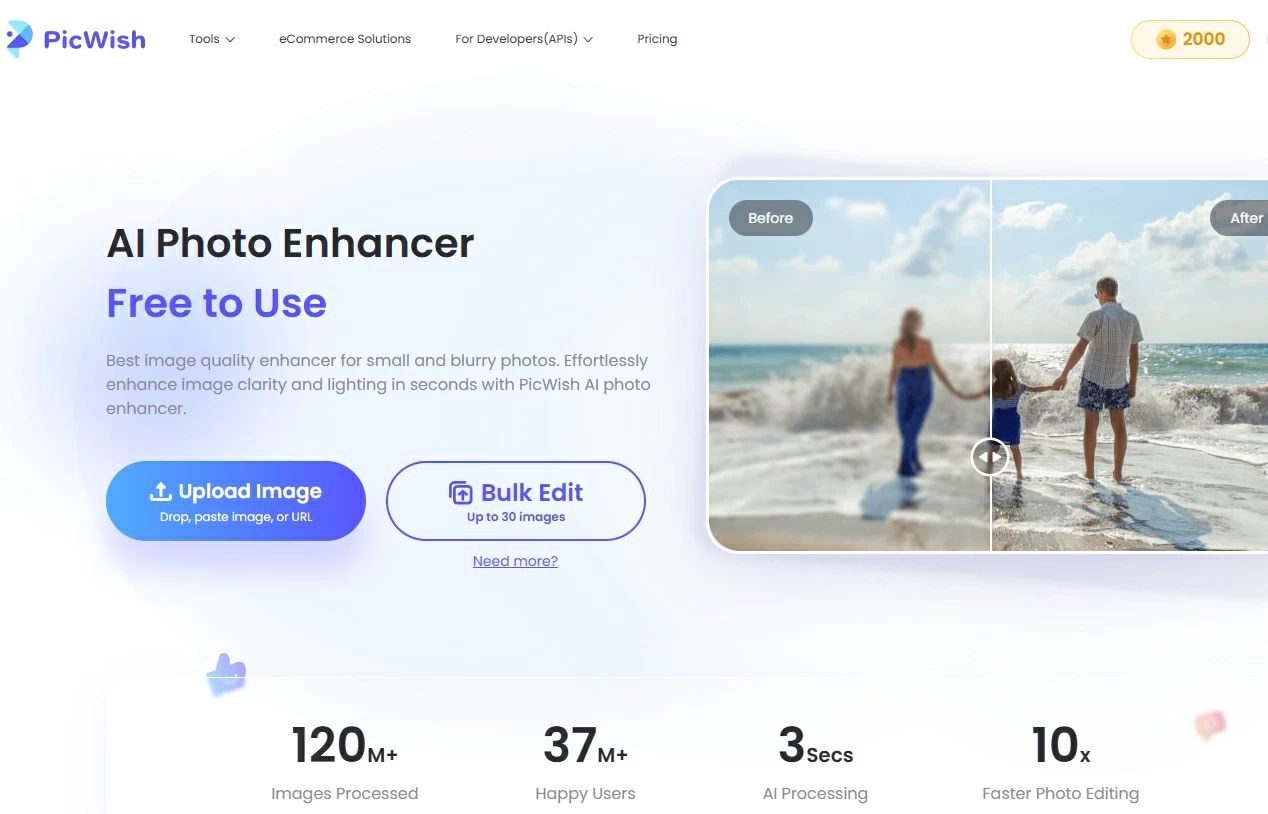
PicWish is an AI image enhancer online designed to make photo enhancement simple and accessible. It automatically improves image clarity, removes blur, and enhances colors for both portraits and general photos. PicWish supports batch processing, making it suitable as an AI photo enhancer for ecommerce or social media content. Its web-based platform requires no installation, allowing users to enhance photos directly from a browser. Overall, PicWish balances speed, quality, and ease-of-use, making it a reliable AI photo enhancement tool for beginners.
Pros:
- Fast and easy to use
- Batch processing up to 30 images
- Models for portraits, general images, and text graphics
Cons:
- Limited manual control
- Advanced professional features are missing
Best for: General users, ecommerce sellers, and social media content creators.
Rating: ⭐️⭐️⭐️⭐️☆ (4/5)
2. Topaz Gigapixel AI
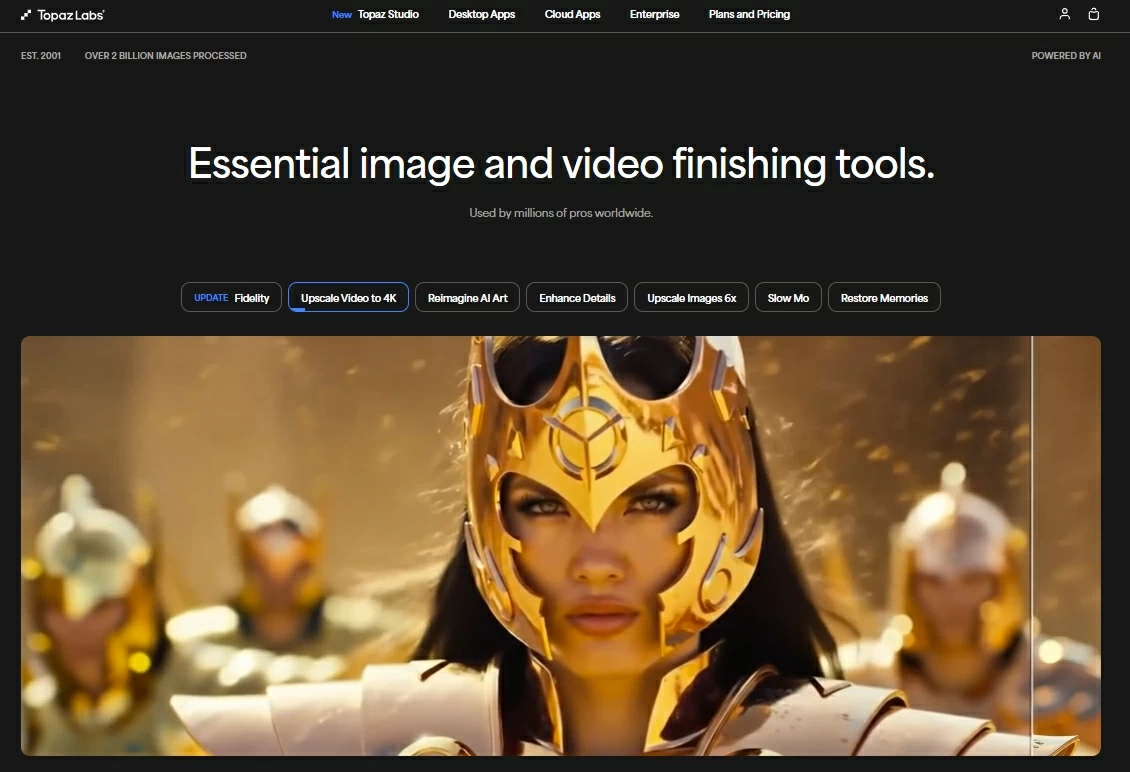
Topaz Gigapixel AI is a desktop AI image upscaler for photos that specializes in enlarging images while maintaining high detail. It uses deep learning to restore textures and reduce noise, making it ideal for photographers and designers working with RAW or high-resolution files. In addition to upscaling, it enhances sharpness and color fidelity, making old or low-quality photos suitable for printing or professional projects. Its ability to handle extreme enlargements distinguishes it from most online enhancers.
Pros:
- Upscales up to 6× with minimal quality loss
- Strong noise and blur reduction
- Handles RAW and high-resolution files
Cons:
- Paid software with a learning curve
- High system requirements
Best for: Professional photographers and designers needing large prints or high-res output.
Rating: ⭐️⭐️⭐️⭐️⭐️ (5/5)
3. Let’s Enhance
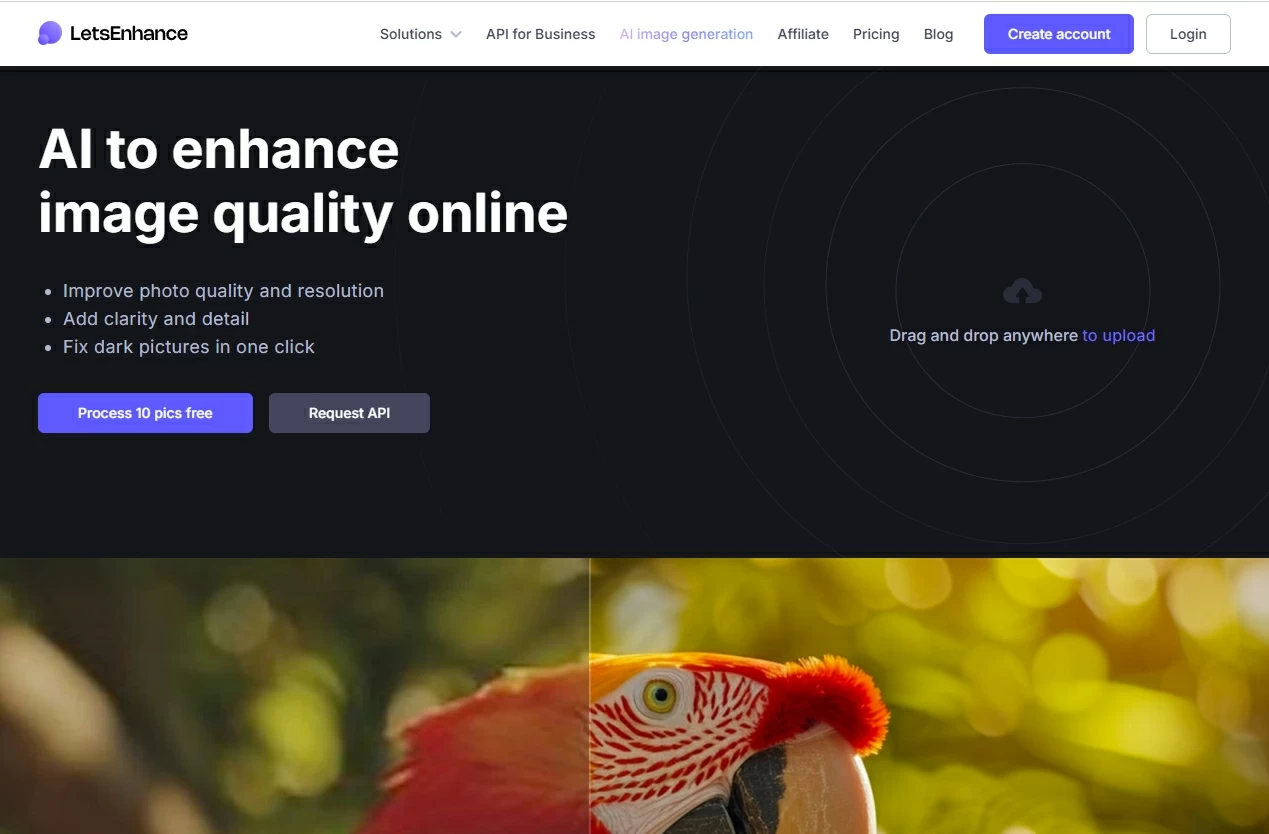
Let’s Enhance is a cloud-based AI photo enhancement tool designed to simplify ecommerce and real estate photography. It automatically increases image resolution, improves lighting and color, and removes compression artifacts. Presets tailored for product photos and real estate images make it a practical AI image enhancer for ecommerce. Additionally, Let’s Enhance offers an API for businesses, enabling automated processing of large image batches without manual intervention.
Pros:
- Automatic upscaling and color optimization
- Presets for product photography
- API available for business integration
Cons:
- Free usage is limited
- Results vary depending on image type
Best for: Ecommerce sellers and businesses handling many product images.
Rating: ⭐️⭐️⭐️⭐️☆ (4/5)
4. VanceAI Image Enhancer
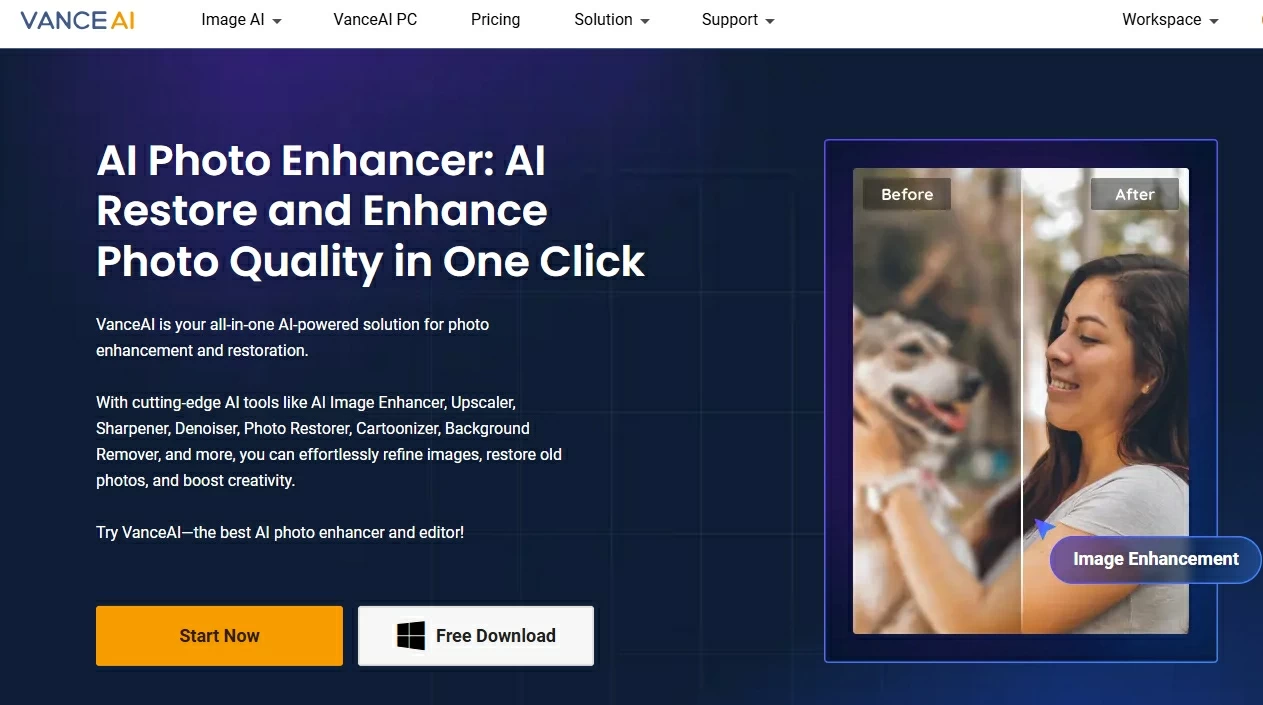
VanceAI provides a suite of AI tools for photo enhancement, including upscaling, noise reduction, sharpening, and color adjustment. Its AI algorithms are trained to improve image quality without manual editing, making it a versatile AI image enhancer online. VanceAI supports batch processing, which is especially useful for professionals or ecommerce sellers handling multiple product images. With both web and desktop versions, it offers flexibility in workflow and output options.
Pros:
- Multiple enhancement options
- Online and desktop versions
- Batch processing supported
Cons:
- Interface may be confusing for beginners
- Some enhancements may require paid subscription
Best for: Users who want flexible AI tools in one platform.
Rating: ⭐️⭐️⭐️⭐️☆ (4/5)
5. Fotor AI Image Enhancer
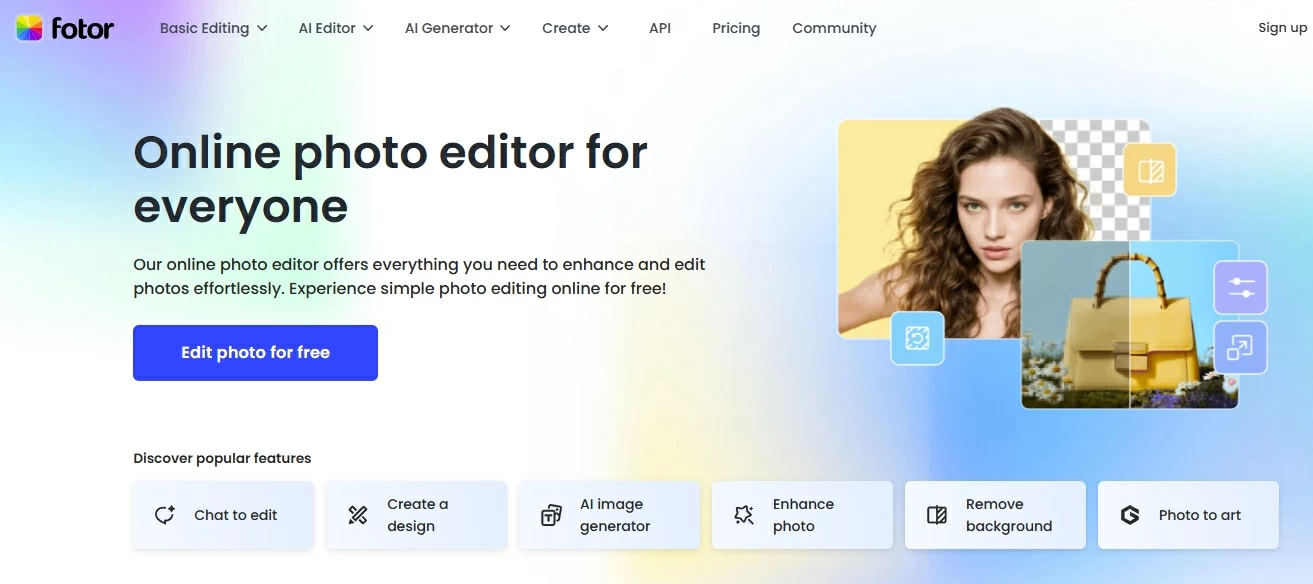
Fotor is an AI photo enhancement tool online that combines automatic image enhancement with creative editing features. It can reduce noise, sharpen details, and improve colors for photos used on social media or personal projects. While its AI engine is less advanced than specialized enhancers, it integrates design features, allowing users to edit and enhance images in one platform. Fotor works well for casual creators seeking a simple AI image enhancer for social media content.
Pros:
- Easy-to-use online platform
- Noise reduction and sharpening
- Integrated creative features
Cons:
- AI enhancement quality is basic
- Limited advanced options
Best for: Social media creators and casual users.
Rating: ⭐️⭐️⭐️☆ (3/5)
6. Remini Image Enhancer
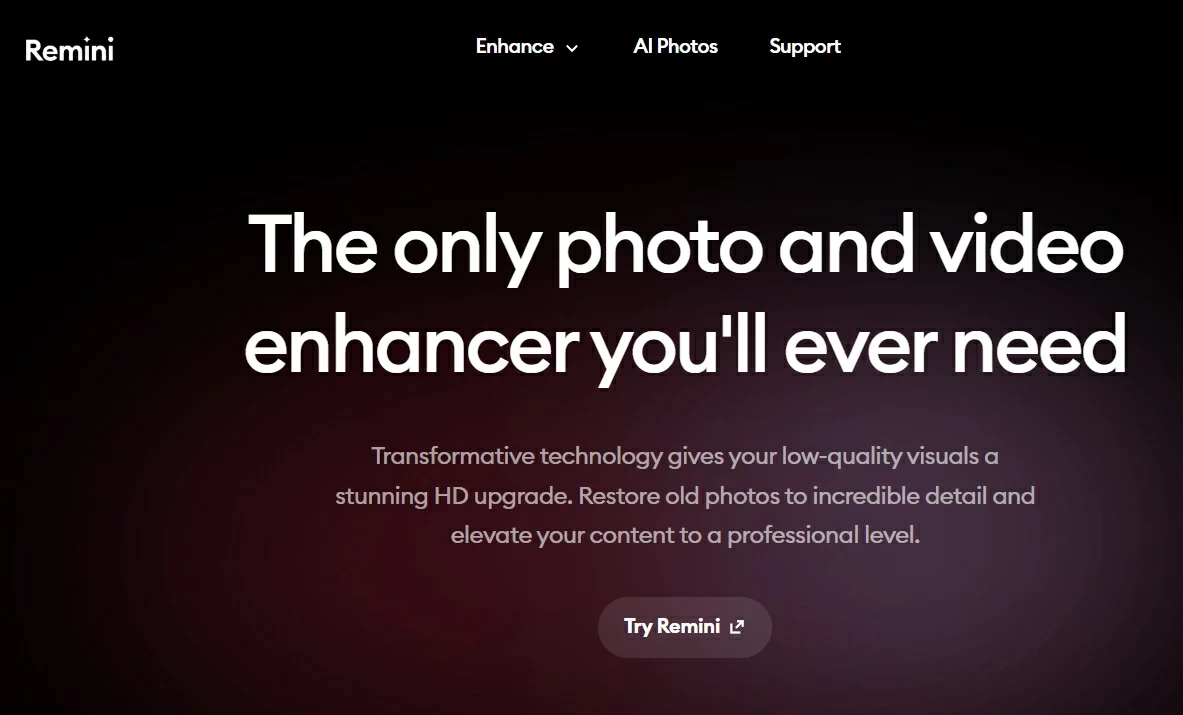
Remini is a mobile and web AI photo enhancer known for restoring old or low-quality photos, particularly portraits. Its AI algorithms improve facial details, reduce noise, and recover missing elements in images. This makes it an effective AI image enhancement tool for old photos and selfies. Remini is particularly useful for users looking to restore nostalgic photos or enhance profile images for social media.
Pros:
- Strong facial detail enhancement
- Mobile and web support
- Suitable for restoring old or low-quality photos
Cons:
- Less suitable for product or text-heavy images
- Free version has daily limits
Best for: Portraits, selfies, and nostalgic photo restoration.
Rating: ⭐️⭐️⭐️⭐️☆ (4/5)
7. Adobe Photoshop (AI Enhance & Super Resolution)
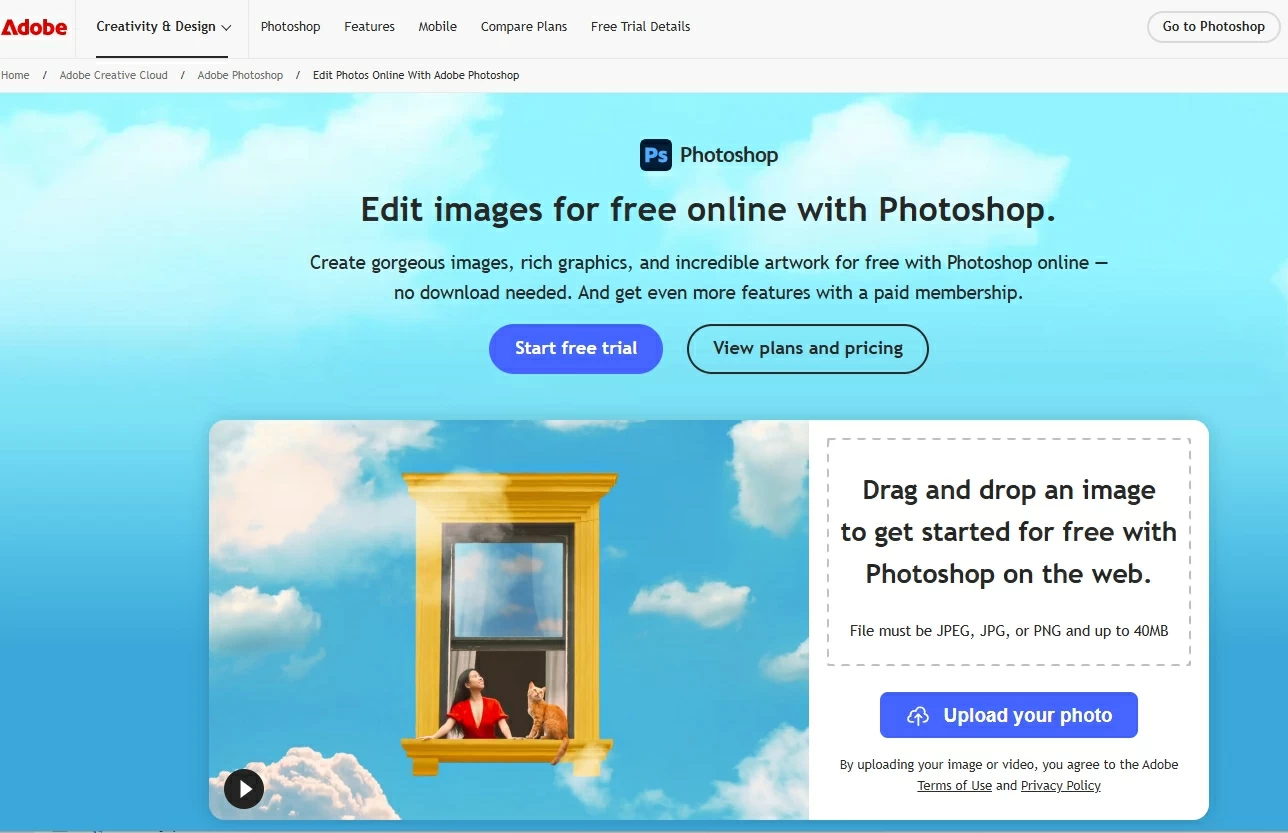
Adobe Photoshop includes AI-powered image enhancement features through Adobe Sensei, such as Super Resolution and neural filters. It allows professionals to upscale images, enhance details, and restore photo quality with precise control. Photoshop’s AI tools are highly customizable, suitable for complex workflows, and integrate seamlessly with other Creative Cloud applications. As a professional AI photo enhancer, it supports high-resolution prints, product images, and digital media production.
Pros:
- Professional-grade AI enhancement
- Full editing workflow
- Highly customizable
Cons:
- Requires subscription
- Steeper learning curve
Best for: Professional designers and photographers seeking precise control.
Rating: ⭐️⭐️⭐️⭐️⭐️ (5/5)
Summary Comparison
| Tool | Strength | Best For | Rating |
|---|---|---|---|
| PicWish | Easy, web-based, batch | Beginners, social media, ecommerce | 4/5 |
| Topaz Gigapixel AI | High-quality upscaling | Professionals, large prints | 5/5 |
| Let’s Enhance | Cloud-based, presets | Ecommerce, business | 4/5 |
| VanceAI | Multiple AI models | Flexible users | 4/5 |
| Fotor | Simple online enhancement | Social media, casual users | 3/5 |
| Remini | Portrait/old photo restoration | Portraits, nostalgia | 4/5 |
| Adobe Photoshop | Professional control | Designers, photographers | 5/5 |
Conclusion
AI image enhancers offer diverse solutions depending on your needs. PicWish is ideal for fast online enhancements and batch ecommerce workflows, while Topaz Gigapixel AI and Adobe Photoshop provide professional-grade results. Remini excels in portrait and old photo restoration, and Let’s Enhance or VanceAI are suitable for bulk product image optimization. Evaluating your workflow and goals is essential when choosing the best AI image enhancer for your projects.


Leave a Comment