
In the visually-driven world of 2026, having crisp, high-resolution images is more important than ever for your website, social media, or personal projects. However, we’ve all experienced the frustration of finding the perfect photo only to realize it’s too small and pixelated. Fortunately, you don’t need to pay for expensive, complicated software to get professional results. Using a reliable free image upscaler is the smartest way to enlarge your pictures and enhance missing details with just a few clicks. In this guide, we have rounded up the absolute must-have tools this year that will help you upgrade your low-quality visuals effortlessly.
5 Best Free Image Upscaler Tools You Need
PicWish – 100% Free Image Upscaler
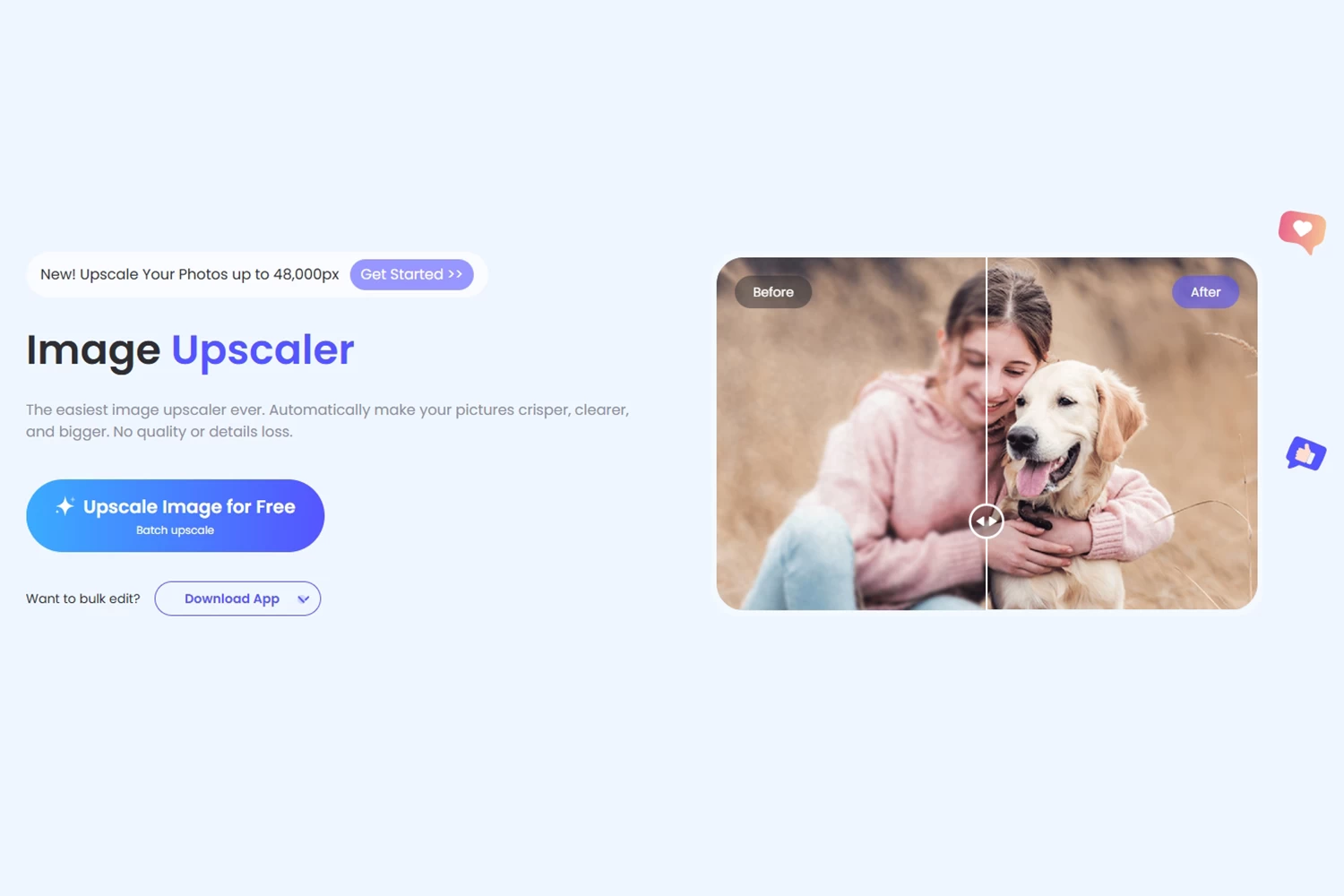
PicWish is one of the most intuitive yet best free image upscalers available online. It is completely free to use, allowing you to enlarge your pictures up to 4x their original size without sacrificing quality. The AI effectively smooths out edges, ensuring your final images never look blurry or pixelated.
Whether you are a complete novice or a seasoned professional, you will find this platform highly effective and incredibly easy to navigate. Ready to enhance your visuals? Let’s take a look at how to seamlessly enlarge an image using this online tool. Check out the simple steps below.
- From there, click the “Upload Image” button to import a photo from your computer.
- After uploading, select your preferred upscale mode, either 2K upscale or Max scale.
![PicWish AI image upscaler]()
- To process, click the “Upscale” button to process your image.
- If you’re okay with the result, then hit the “Download” button.

Pros:
- It supports JPEG, PNG, and other file formats.
- It enlarges the image instantly with AI technology.
- Provides good quality results.
Cons:
- Batch processing is not yet supported.
Smart Upscaler
Smart Upscaler is a highly efficient, free AI image upscaler designed to breathe new life into low-resolution visuals without requiring any technical software skills. By leveraging advanced neural networks, this platform can enlarge your images up to 4x their original size while maintaining crisp, clean edges and significantly reducing pixelation.
One of its most practical features for content creators and marketers is its built-in image management system—it automatically saves your processing history, allowing you to easily view and re-download previously enlarged photos without the hassle of re-uploading the original files. Whether you are prepping images for a blog post or social media, this web-based tool offers a streamlined path to professional-grade picture enhancement.

Pros:
- Images can be upscaled to 3000x3000px.
- Both JPG and PNG are supported.
- It comes with an intuitive interface.
Cons:
- This can only enhance images up to three times.
- To use its other features, you have to pay for them first.
Upscalepics
If your project requires massive resolution jumps, Upscalepics is one of the best free image upscalers engineered for heavy-duty enhancements. Capable of upscaling an image up to 8x its original size, this tool is perfect for taking small web graphics and converting them into high-definition assets suitable for large displays or print.
The platform utilizes sophisticated Artificial Intelligence algorithms to calculate and generate missing pixels, increasing the overall resolution while preserving the natural textures and colors of the original file. This ensures that even at extreme magnifications, you receive high-quality results without introducing artificial noise or impacting the structural integrity of the photo.

Pros:
- It gives 100 percent accurate results.
- It provides Artificial Intelligence or Al.
Cons:
- Only its basic features are free.
Image Upscaler
Image Upscaler, as its name shows, is a highly versatile web-based platform that has evolved from a basic neural network into a comprehensive AI multi-tool for photo processing. If you are looking to enhance your visuals without introducing weird, artificial textures, this is an excellent choice.
As one of the top free image upscalers, its advanced AI is specifically trained to prevent “AI hallucinations,” ensuring that all upscaled details remain natural and accurate. In just seconds, it allows you to enlarge your photos up to 4x their original size while also providing extra tools to unblur edges and remove JPEG artifacts. Furthermore, it is incredibly user-friendly for heavy workflows, offering a multiple-file upload feature and strict privacy protocols that automatically delete your images 60 minutes after processing.

Pros:
- Supports a wide variety of formats including WebP and PDF.
- Allows batch processing to upscale multiple images at once.
- Securely deletes user files after one hour.
Cons:
- Free usage is limited to just a few credits.
- Paid subscription is required for regular use.
Vance Al
Vance AI serves as a comprehensive, premium-grade image enhancement suite, making it a fantastic free image upscaler or tackling highly challenging visuals like severely blurred images, low-quality web downloads, or faded historical photographs.
Powered by specialized machine learning algorithms, it allows you to scale up images exponentially based on your specific needs—offering 2x, 4x, 6x, and an impressive 8x magnification in just a few clicks. Beyond simple upscaling, Vance AI streamlines your entire digital workflow by automatically compressing and resizing the enhanced images upon export, ensuring your high-resolution files remain optimized for fast web loading and easy sharing.

Pros:
- It upscales images up to 8x without losing quality.
- It instantly compresses and resizes an image.
Cons:
- It only offers 3 images free trial.
- Other features are a bit expensive.
Conclusion
You don’t have to worry about the small size and low-quality resolution of your image. With these free image upscalers mentioned in this post, you’ll be able to upscale your image while keeping its quality. Also, purchasing or spending a lot of money isn’t necessary. PicWish is the best example of a free and best AI upscaler online tool that you can use. Share with us your experience of using the aforementioned tools.


Leave a Comment