
Low-quality photos can look blurry, pixelated, or outdated—especially when viewed on modern HD and 4K screens. Whether you’re enhancing portraits, improving product images, or restoring old memories, converting images into HD quality has become easier than ever thanks to AI.
Today’s AI-powered HD photo converter tools can automatically sharpen details, improve resolution, reduce blur, and enhance colors in seconds—without requiring Photoshop skills.
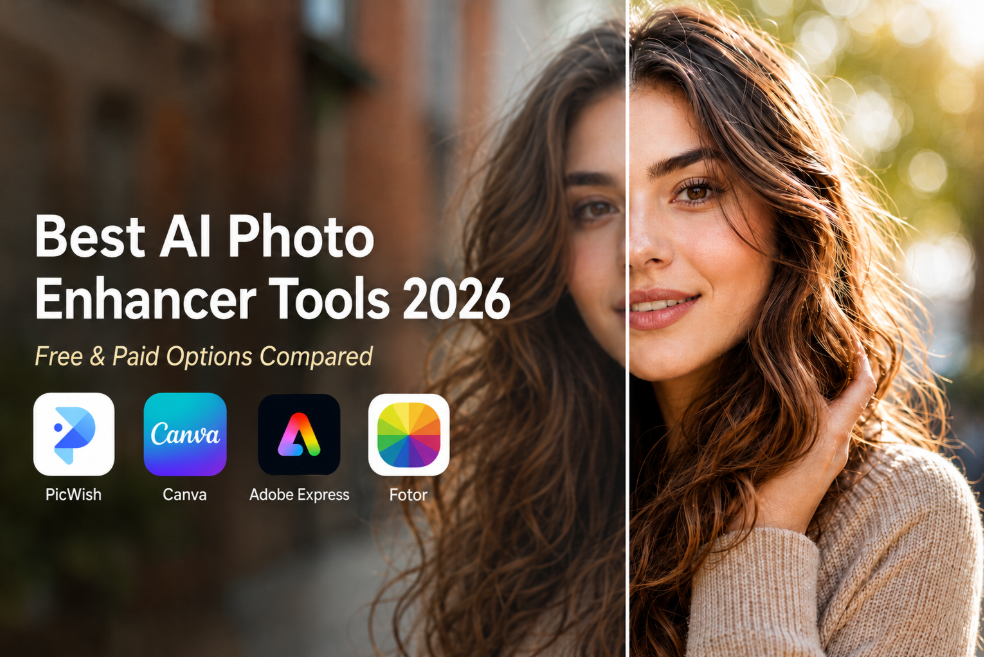
In this guide, we compare the best HD photo converter tools online in 2026 to help you transform blurry or low-resolution images into high-definition visuals.
Top HD Photo Converter Tools at a Glance
| Tool | Best For | Free Option | Key Strength |
|---|---|---|---|
| PicWish | Portrait enhancement | Yes | AI face sharpening |
| LetsEnhance | Professional upscaling | Limited | High-resolution AI |
| Remini | Old & blurry photos | Yes | Face restoration AI |
| VanceAI | Upscaling + denoise | Limited | Batch enhancement |
| Fotor | Casual users | Yes | Simple online editing |
| Canva | Design workflow | Limited | Integrated enhancer |
| Upscale.media | Quick HD conversion | Yes | Fast AI processing |
What Makes a Good HD Photo Converter?
Not all HD photo converters produce the same results. The best tools use AI models trained to reconstruct missing details naturally instead of simply sharpening pixels.
- AI detail recovery: Enhances realistic textures and edges
- Upscaling quality: Converts low-res images into HD or 4K
- Noise reduction: Removes grain and compression artifacts
- Face enhancement: Improves portraits naturally
- Ease of use: Upload and process in one click
1. PicWish – Best Overall HD Photo Converter
PicWish is one of the most effective AI-powered HD photo converters available online. It focuses on improving image clarity while maintaining natural textures, making it especially strong for portraits and social media images.
Unlike traditional sharpening tools that can create harsh edges, PicWish intelligently reconstructs facial details, smooths blur, and improves lighting automatically.

Key Features:
- AI-powered image sharpening
- Blur-to-HD photo enhancement
- Portrait optimization and face recovery
- Online browser-based workflow
- Fast HD export
Best For: Portraits, profile pictures, social media photos
Pricing: Free trial available
Pros: Natural results, simple workflow, excellent face enhancement
Cons: Focused mainly on portraits
2. LetsEnhance – Best for Professional HD Upscaling
LetsEnhance is built for users who need professional-grade image upscaling. It can increase image resolution significantly while preserving detail and correcting lighting issues.
It’s particularly popular among photographers, e-commerce sellers, and designers working with large visuals.

Key Features:
- AI upscaling up to high resolution
- Color and lighting correction
- Noise and compression reduction
- Professional-quality exports
Best For: Marketing images, product photos, print-ready visuals
Pricing: Limited free credits
Pros: High-end quality output
Cons: Premium plans can be expensive
3. Remini – Best for Restoring Old & Blurry Photos
Remini specializes in restoring blurry or damaged photos using deep-learning AI. It’s especially strong for faces and old photographs that have lost detail over time.
Many users rely on Remini for family photos, scanned memories, and low-quality mobile images.
Key Features:
- AI facial restoration
- Old photo enhancement
- Automatic sharpening
- Mobile app support
Best For: Old photos and portraits
Pricing: Free with ads
Pros: Excellent face recovery
Cons: Sometimes over-processes images
4. VanceAI – Best for Upscaling and Noise Reduction
VanceAI combines multiple AI technologies including sharpening, denoising, and image enlargement into one platform.
This makes it useful for users who want to improve image quality while also increasing resolution.

Key Features:
- AI sharpening and denoise
- Image enlargement tools
- Batch processing support
- Multiple enhancement models
Best For: Large-scale enhancement projects
Pricing: Free credits available
Pros: Multi-tool workflow
Cons: Credit limitations
5. Fotor – Best Beginner-Friendly HD Photo Converter
Fotor offers an easy-to-use online AI photo enhancer that helps users convert low-quality images into clearer HD versions.
Its all-in-one editor also includes filters, color adjustment, and cropping tools.

Key Features:
- AI photo enhancement
- One-click sharpening
- Integrated editor
- Cloud-based workflow
Best For: Casual users and beginners
Pricing: Freemium
Pros: Easy interface
Cons: Less powerful than advanced AI tools
6. Canva – Best for Creators and Designers
Canva integrates AI image enhancement directly into its design platform, allowing users to improve image quality while creating social posts, presentations, and marketing visuals.
Key Features:
- Integrated AI enhancer
- Design templates
- Drag-and-drop editing
- Cloud storage
Best For: Social media creators and marketers
Pricing: Freemium
Pros: All-in-one design workflow
Cons: Enhancement features less specialized
7. Upscale.media – Best for Quick HD Conversion
Upscale.media is focused on fast image upscaling and enhancement. Its AI automatically increases image resolution while preserving detail and reducing blur.
The platform is lightweight, browser-based, and ideal for quick enhancements.
Key Features:
- Automatic AI upscaling
- Fast online processing
- Simple interface
- Supports multiple formats
Best For: Quick HD conversion tasks
Pricing: Free basic version
Pros: Fast and lightweight
Cons: Fewer advanced editing tools
Tips for Getting Better HD Conversion Results
- Upload the highest-quality original image possible
- Use portrait-focused AI for faces
- Combine sharpening with denoise tools
- Avoid excessive enhancement to keep images natural
- Use PNG format for best export quality
Frequently Asked Questions
1. What is an HD photo converter?
An HD photo converter uses AI to improve image clarity, resolution, and detail automatically.
2. Can AI really turn blurry photos into HD?
Yes, modern AI tools can reconstruct missing details and significantly improve image quality.
3. What is the best HD photo converter online?
PicWish is one of the best options for portraits, while LetsEnhance is ideal for professional upscaling.
4. Are free HD photo converters good enough?
Many free tools work well for casual use, though premium versions provide higher-quality exports.
5. Can I convert old photos into HD?
Yes, tools like Remini and PicWish are designed for restoring old and blurry photos.
Final Thoughts
AI has completely changed the way we enhance photos. Whether you’re restoring memories, upgrading portraits, or improving marketing visuals, HD photo converter tools can save time and dramatically improve image quality.
For fast and natural-looking results, start with PicWish AI HD Photo Enhancer and turn blurry images into sharp HD photos in seconds.




Leave a Comment